Helmet

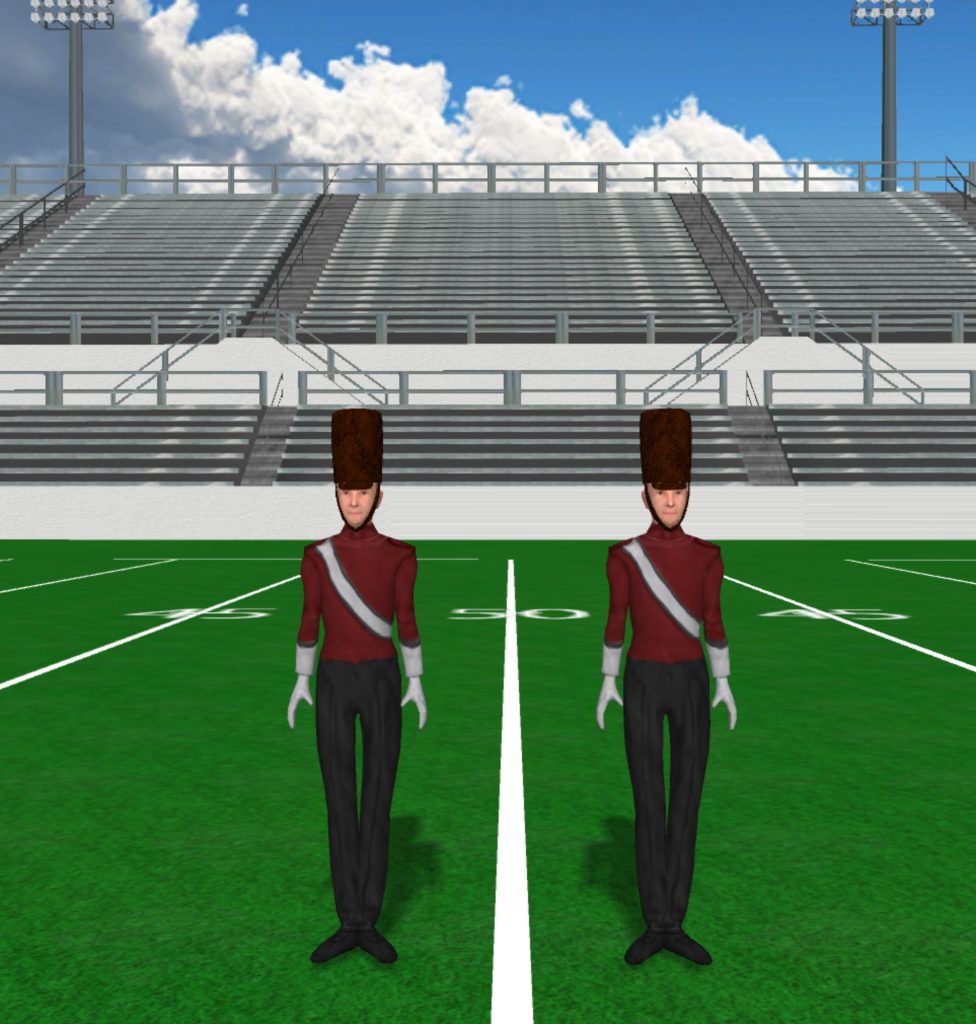
Brown Drum Major Hat 976x1024

Brown Drum Major Hat

Instructions Fabric files, such as uniforms and flag silks, are applied in the drill file’s Document Options. To load a fabric file: Click the image to download the fabric file. Save the fabric file to your computer. In Pyware 3D, go to File > Document Options > Real View Perspective (tab). Click the edit button […]

Brown Drum Major Hat Read More »
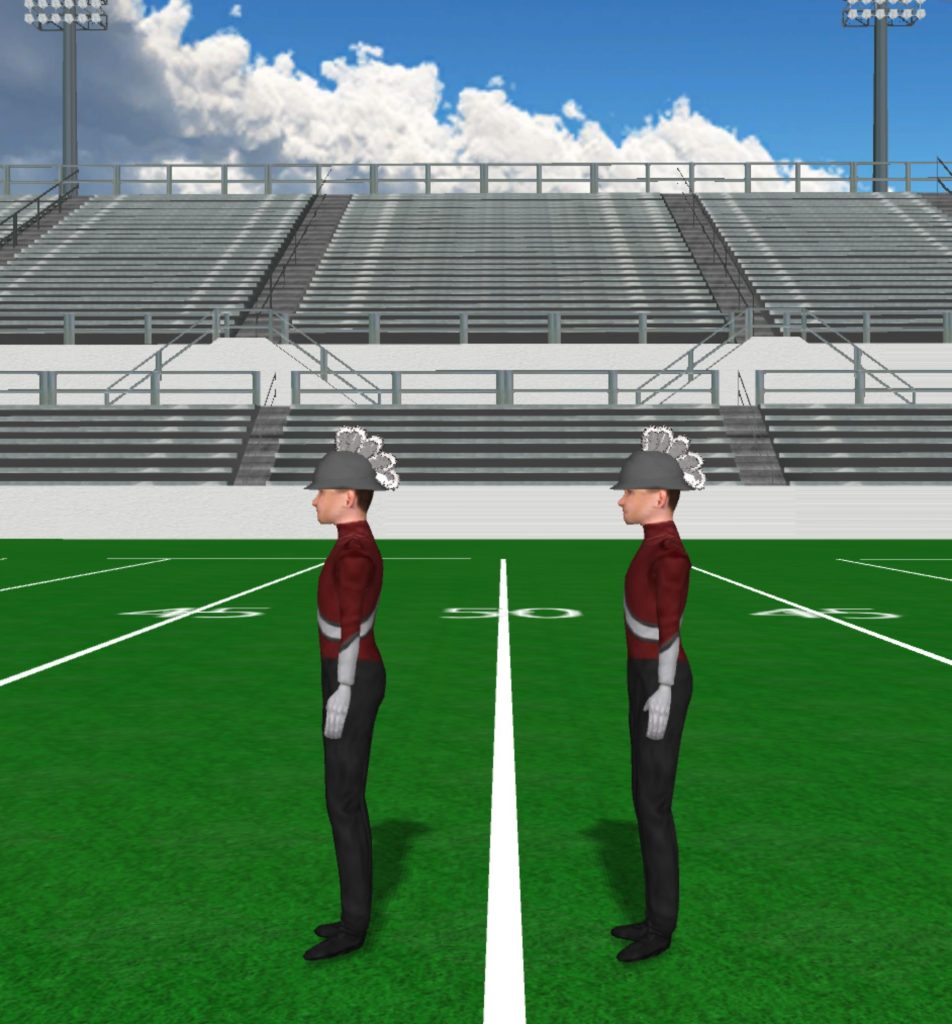
Gray Helmet With White Outline Plume 952x1024

Gray Helmet

Instructions Fabric files, such as uniforms and flag silks, are applied in the drill file’s Document Options. To load a fabric file: Click the image to download the fabric file. Save the fabric file to your computer. In Pyware 3D, go to File > Document Options > Real View Perspective (tab). Click the edit button

Gray Helmet Read More »

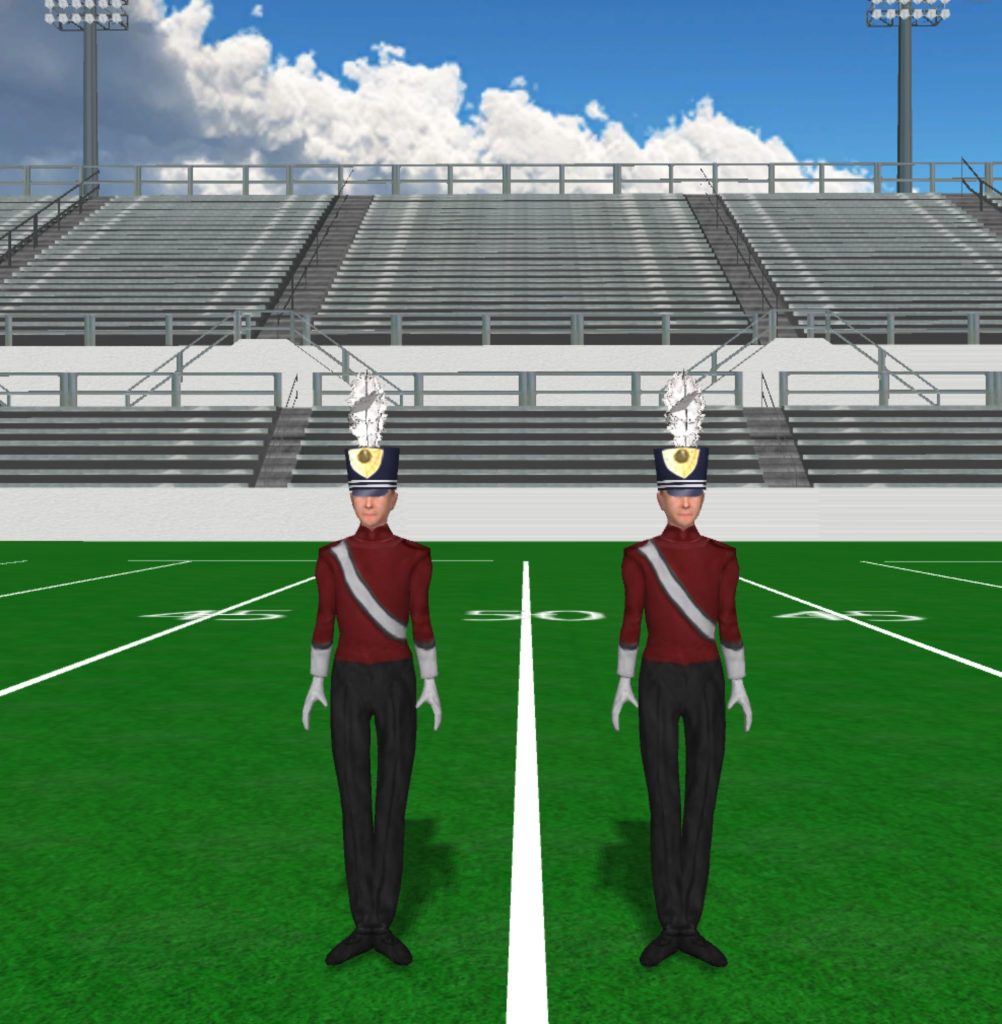
Shako ELA 1002x1024

ELA Shako

Instructions Fabric files, such as uniforms and flag silks, are applied in the drill file’s Document Options. To load a fabric file: Click the image to download the fabric file. Save the fabric file to your computer. In Pyware 3D, go to File > Document Options > Real View Perspective (tab). Click the edit button

ELA Shako Read More »

White Helmet With Green Plume 953x1024

White Helmet with Green Plume

Instructions Fabric files, such as uniforms and flag silks, are applied in the drill file’s Document Options. To load a fabric file: Click the image to download the fabric file. Save the fabric file to your computer. In Pyware 3D, go to File > Document Options > Real View Perspective (tab). Click the edit button

White Helmet with Green Plume Read More »