Red

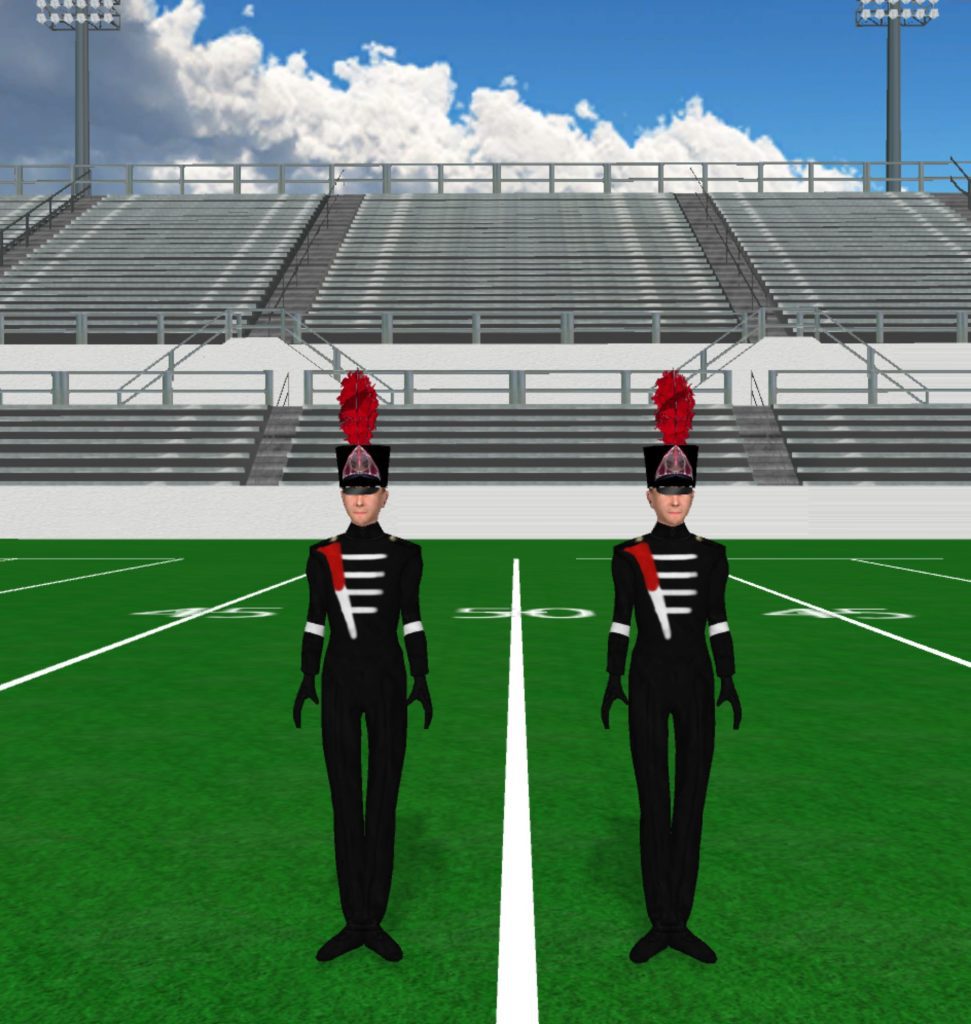
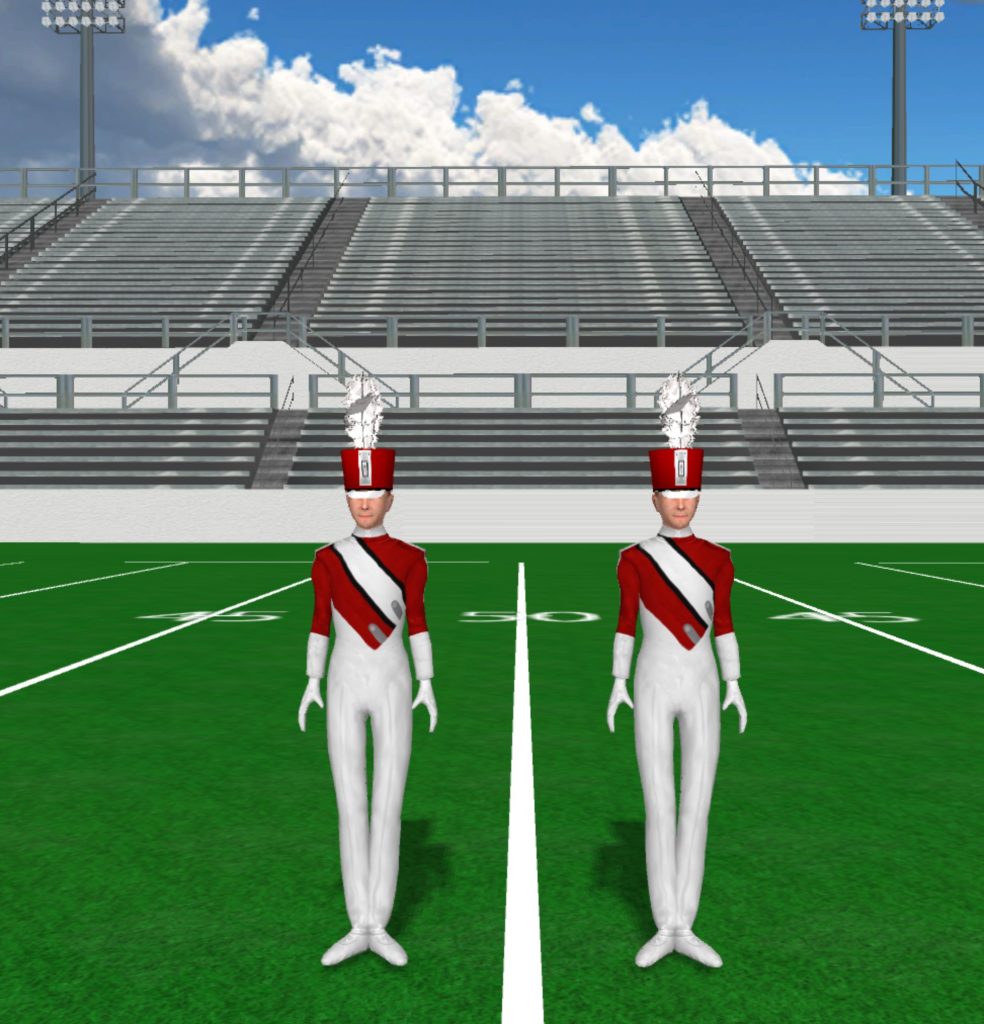
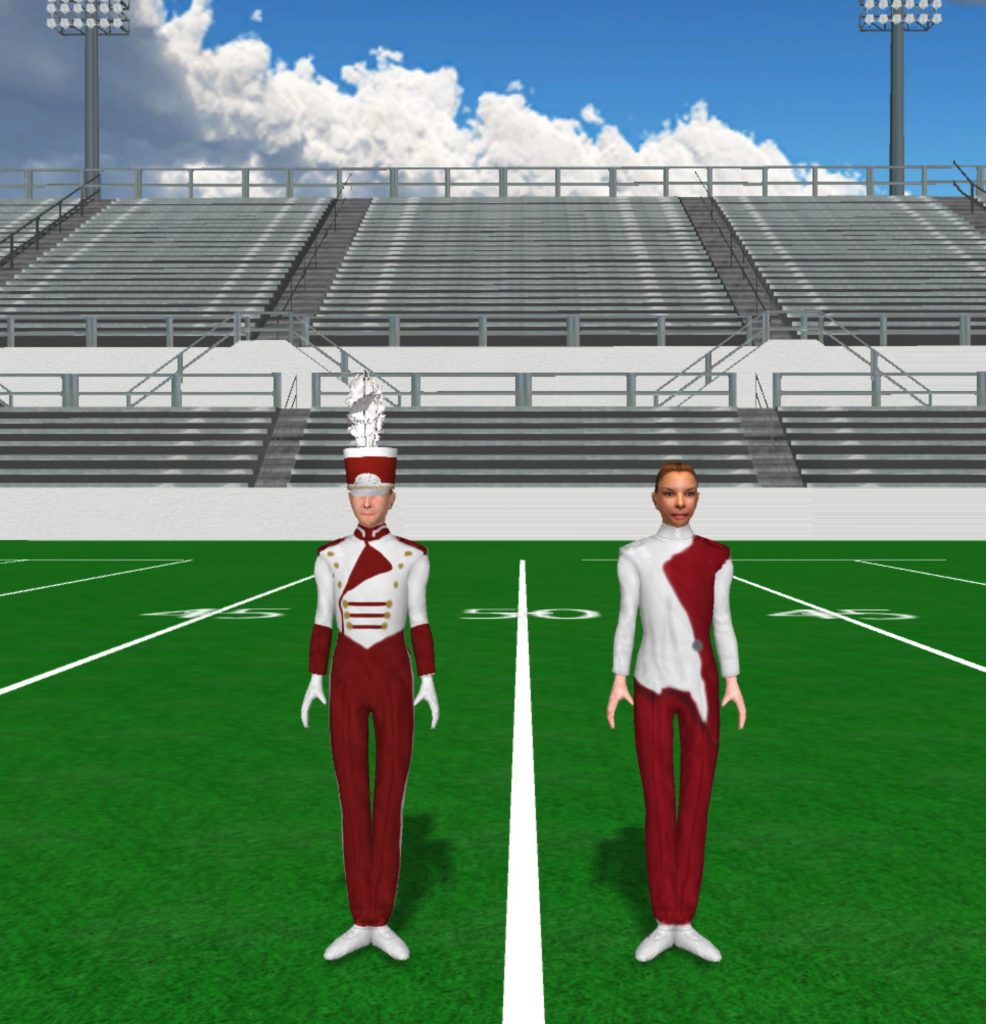
Everett High School 986x1024

Everett High School

Instructions Fabric files, such as uniforms and flag silks, are applied in the drill file’s Document Options. To load a fabric file: Click the image to download the fabric file. Save the fabric file to your computer. In Pyware 3D, go to File > Document Options > Real View Perspective (tab). Click the edit button […]

Everett High School Read More »
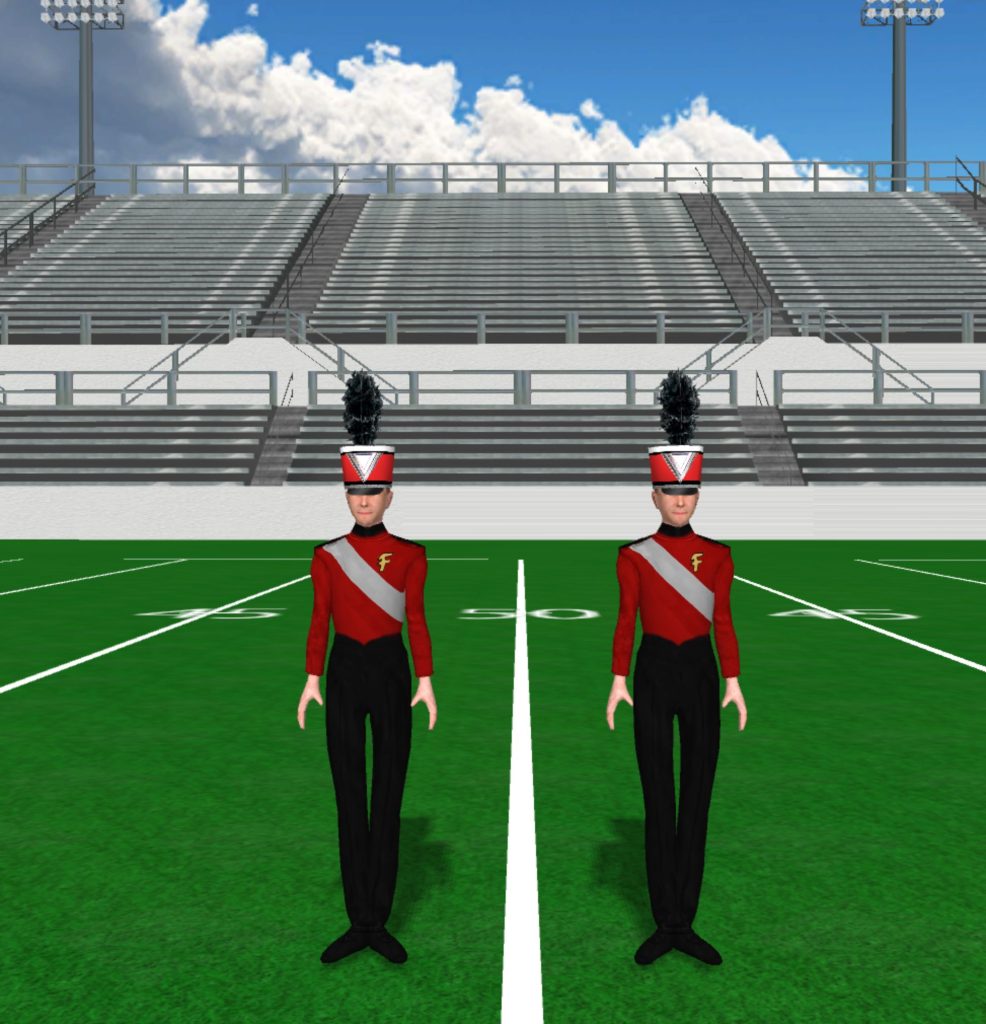
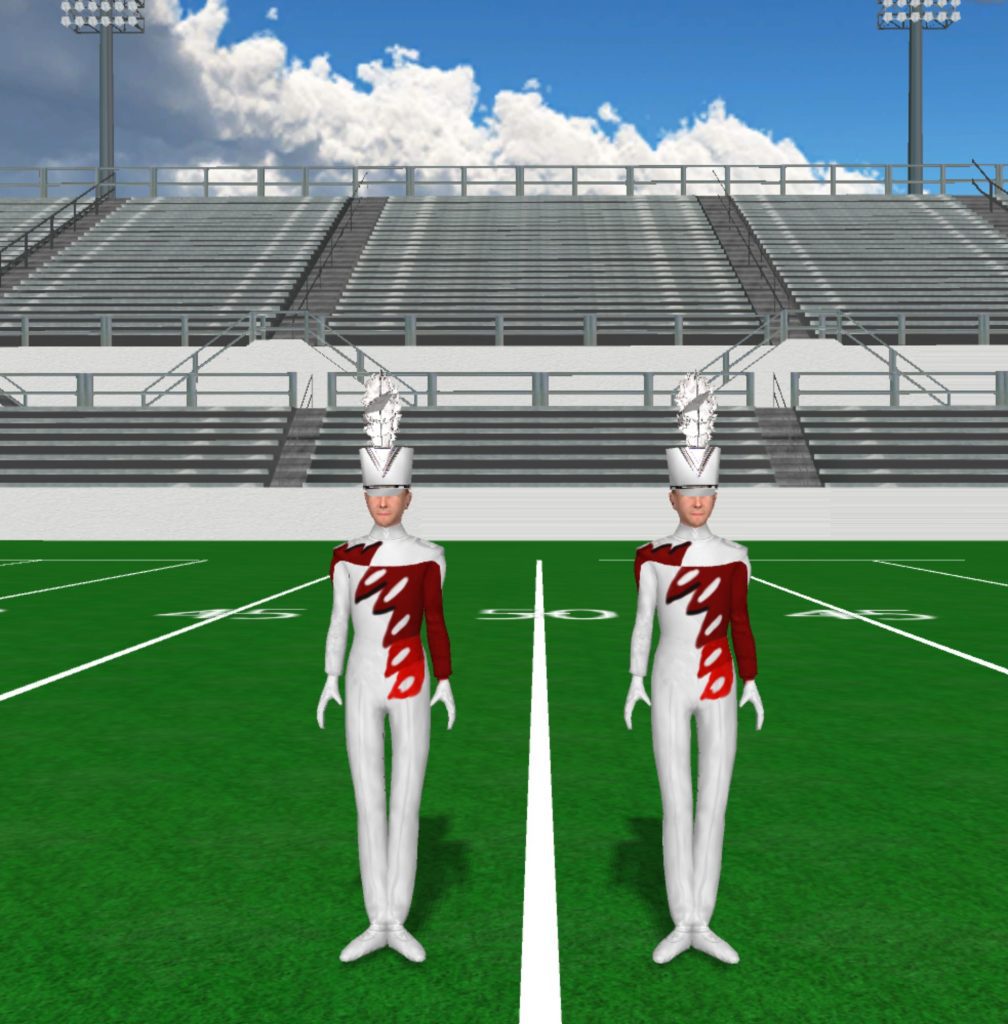
Farmington Uniform 986x1024

Farmington High School

Instructions Fabric files, such as uniforms and flag silks, are applied in the drill file’s Document Options. To load a fabric file: Click the image to download the fabric file. Save the fabric file to your computer. In Pyware 3D, go to File > Document Options > Real View Perspective (tab). Click the edit button

Farmington High School Read More »

George Rogers Clark 971x1024

George Rogers Clark

Instructions Fabric files, such as uniforms and flag silks, are applied in the drill file’s Document Options. To load a fabric file: Click the image to download the fabric file. Save the fabric file to your computer. In Pyware 3D, go to File > Document Options > Real View Perspective (tab). Click the edit button

George Rogers Clark Read More »

Glen Rose High School 1008x1024

Glen Rose High School

Instructions Fabric files, such as uniforms and flag silks, are applied in the drill file’s Document Options. To load a fabric file: Click the image to download the fabric file. Save the fabric file to your computer. In Pyware 3D, go to File > Document Options > Real View Perspective (tab). Click the edit button

Glen Rose High School Read More »

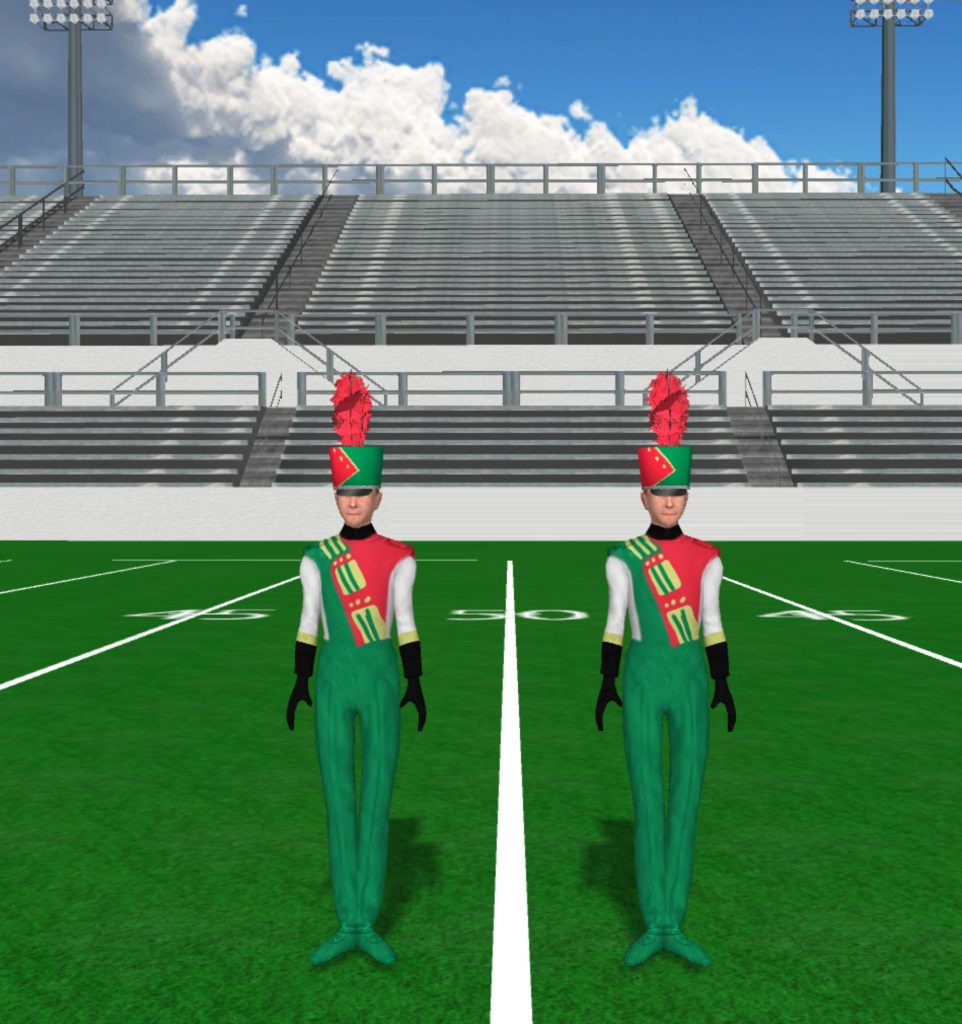
Green Yellow Red And White 962x1024

Green and Red

Instructions Fabric files, such as uniforms and flag silks, are applied in the drill file’s Document Options. To load a fabric file: Click the image to download the fabric file. Save the fabric file to your computer. In Pyware 3D, go to File > Document Options > Real View Perspective (tab). Click the edit button

Green and Red Read More »

Hart County High School 966x1024

Hart County High School

Instructions Fabric files, such as uniforms and flag silks, are applied in the drill file’s Document Options. To load a fabric file: Click the image to download the fabric file. Save the fabric file to your computer. In Pyware 3D, go to File > Document Options > Real View Perspective (tab). Click the edit button

Hart County High School Read More »

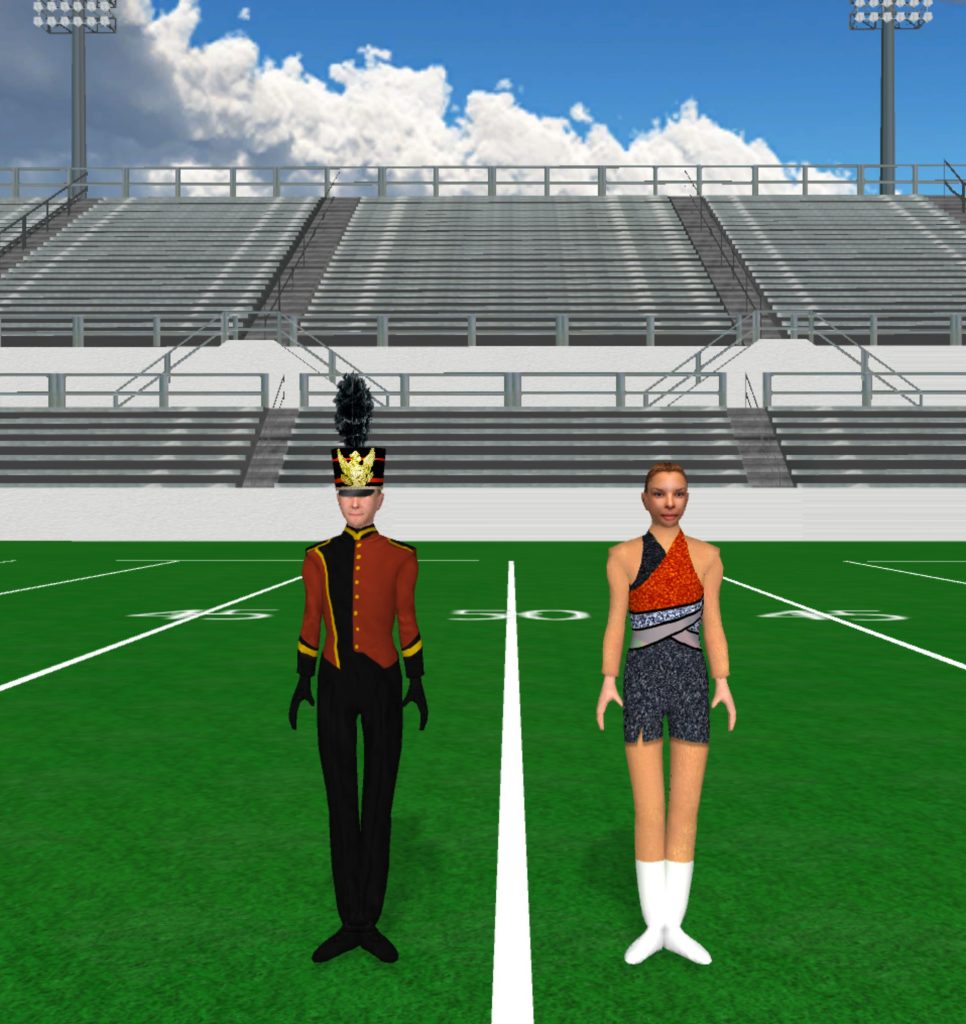
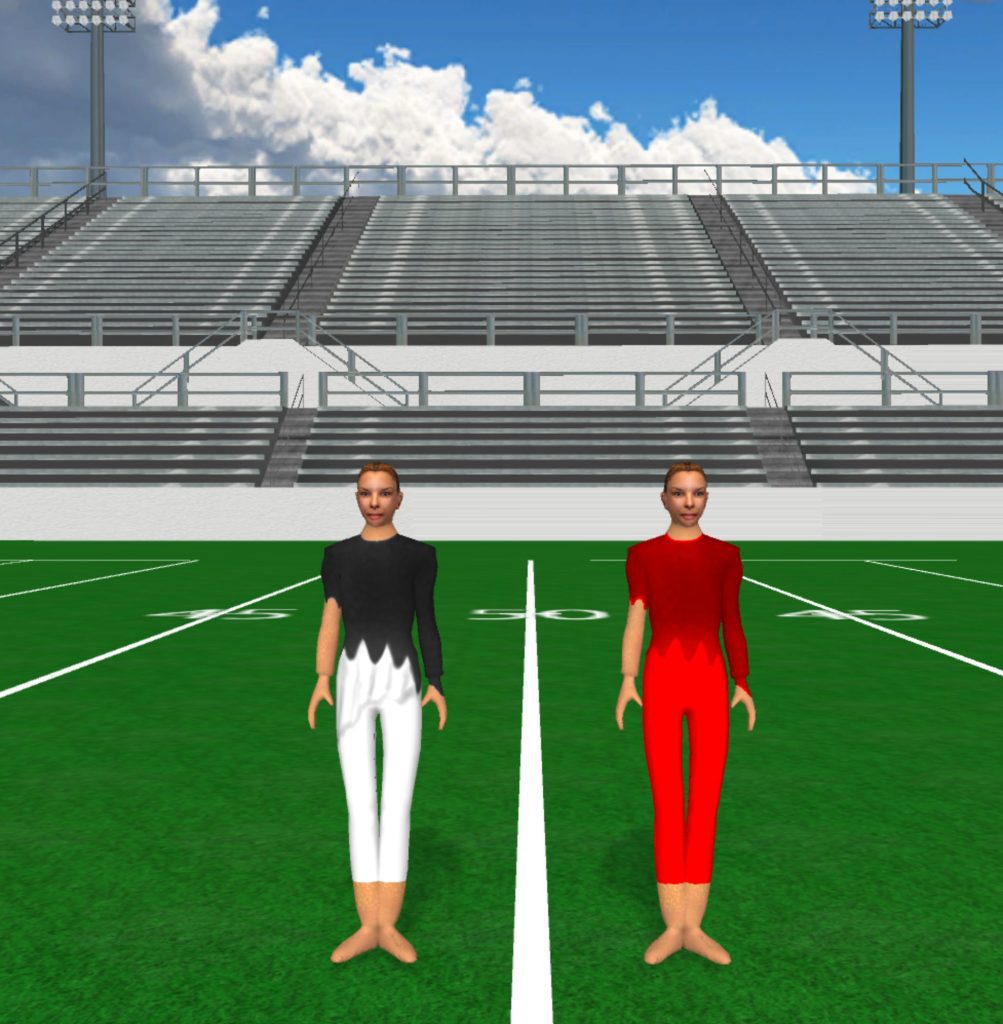
KHS Guard 1003x1024

KHS Guard

Instructions Fabric files, such as uniforms and flag silks, are applied in the drill file’s Document Options. To load a fabric file: Click the image to download the fabric file. Save the fabric file to your computer. In Pyware 3D, go to File > Document Options > Real View Perspective (tab). Click the edit button

KHS Guard Read More »

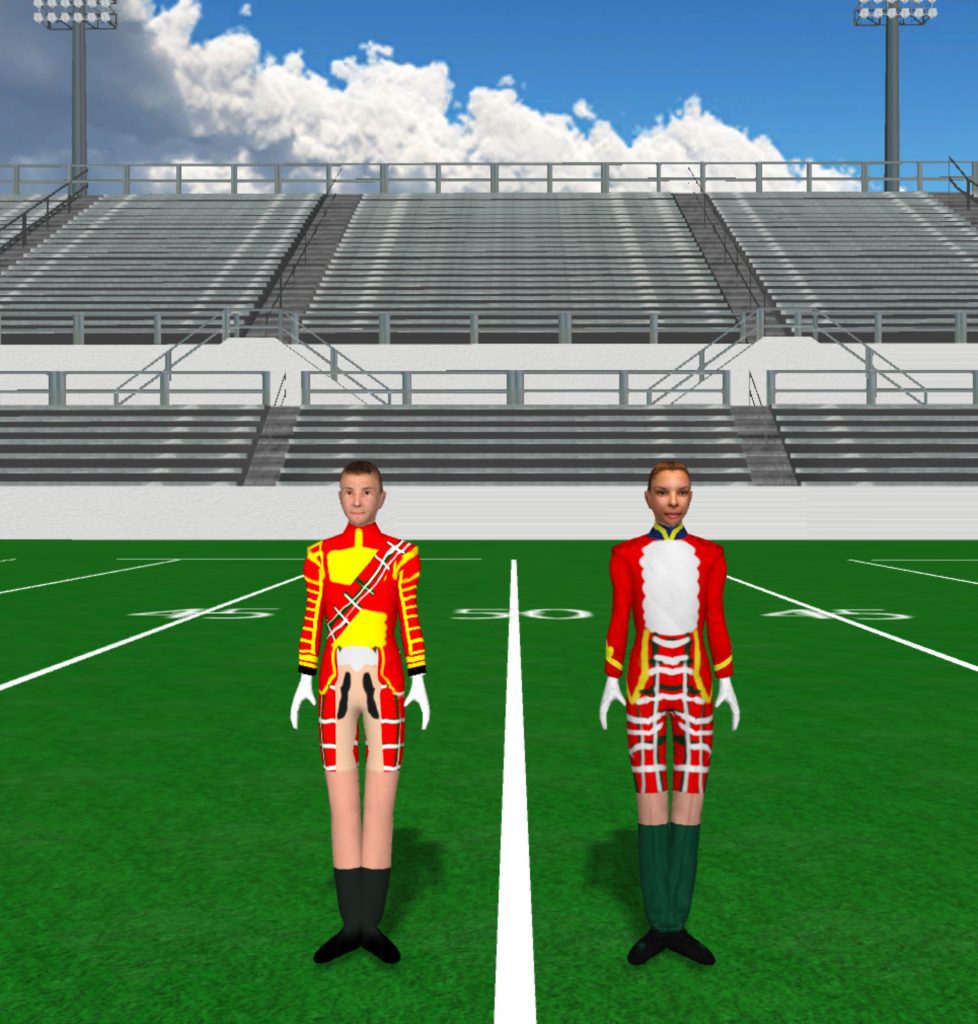
Kilt Guard 978x1024

Kilts

Instructions Fabric files, such as uniforms and flag silks, are applied in the drill file’s Document Options. To load a fabric file: Click the image to download the fabric file. Save the fabric file to your computer. In Pyware 3D, go to File > Document Options > Real View Perspective (tab). Click the edit button

Kilts Read More »

macys

Macys

Instructions Fabric files, such as uniforms and flag silks, are applied in the drill file’s Document Options. To load a fabric file: Click the image to download the fabric file. Save the fabric file to your computer. In Pyware 3D, go to File > Document Options > Real View Perspective (tab). Click the edit button

Macys Read More »

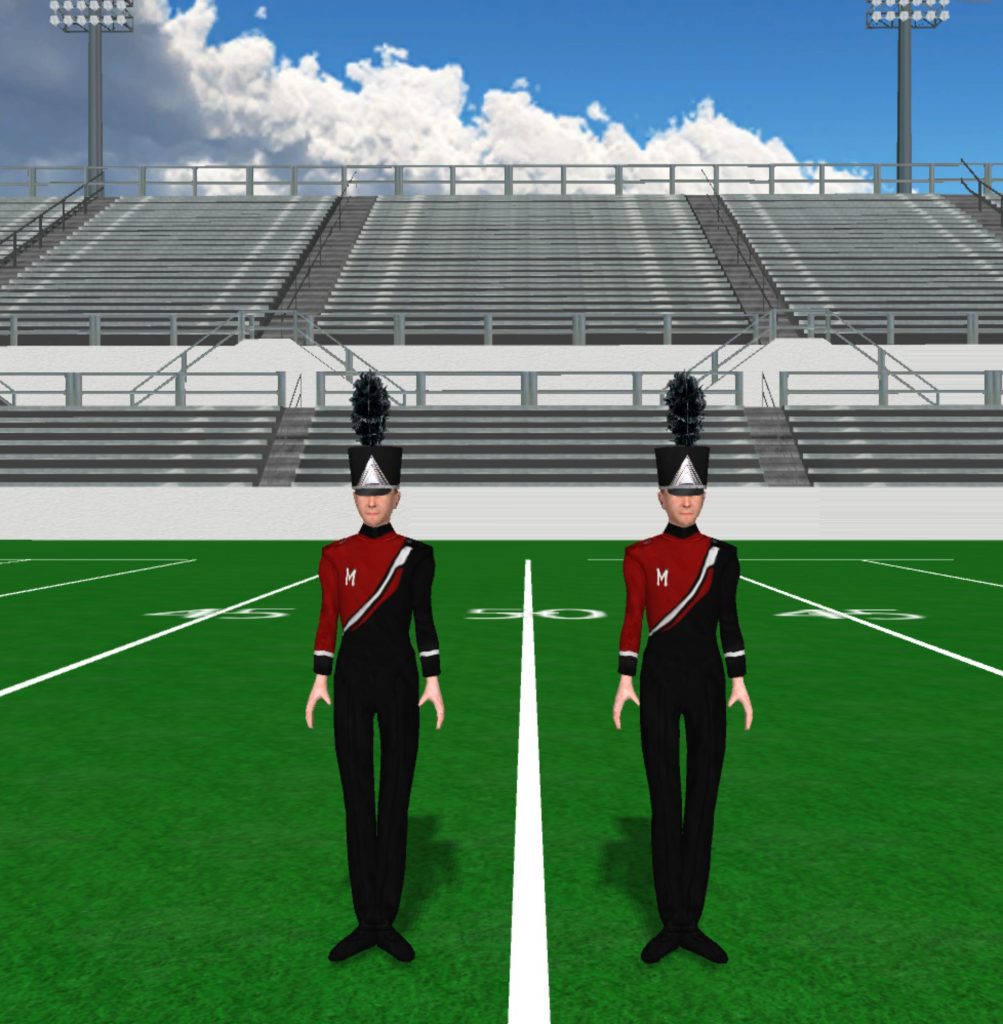
Marysville High School 1003x1024

Marysville High School

Instructions Fabric files, such as uniforms and flag silks, are applied in the drill file’s Document Options. To load a fabric file: Click the image to download the fabric file. Save the fabric file to your computer. In Pyware 3D, go to File > Document Options > Real View Perspective (tab). Click the edit button

Marysville High School Read More »