Black

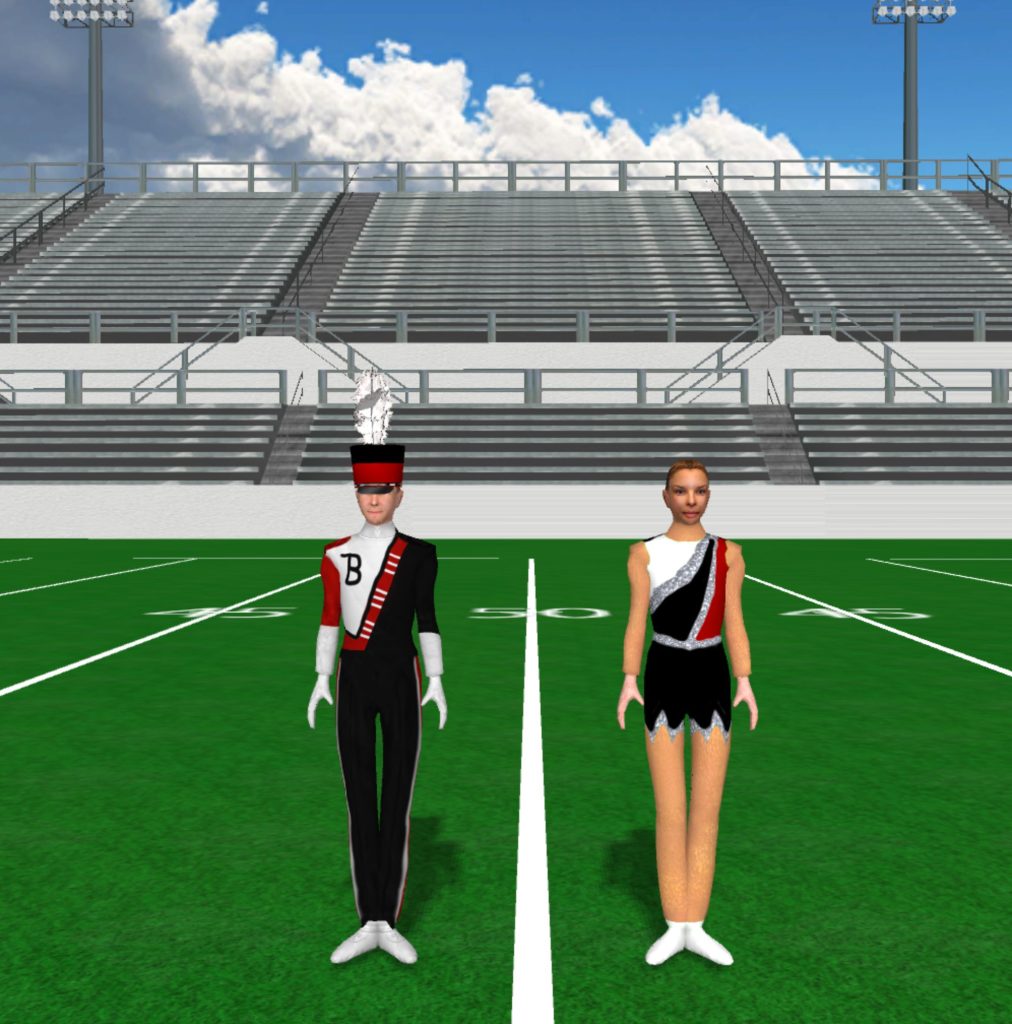
Bellevue High School 1012x1024

Bellevue High School

Instructions Fabric files, such as uniforms and flag silks, are applied in the drill file’s Document Options. To load a fabric file: Click the image to download the fabric file. Save the fabric file to your computer. In Pyware 3D, go to File > Document Options > Real View Perspective (tab). Click the edit button […]

Bellevue High School Read More »
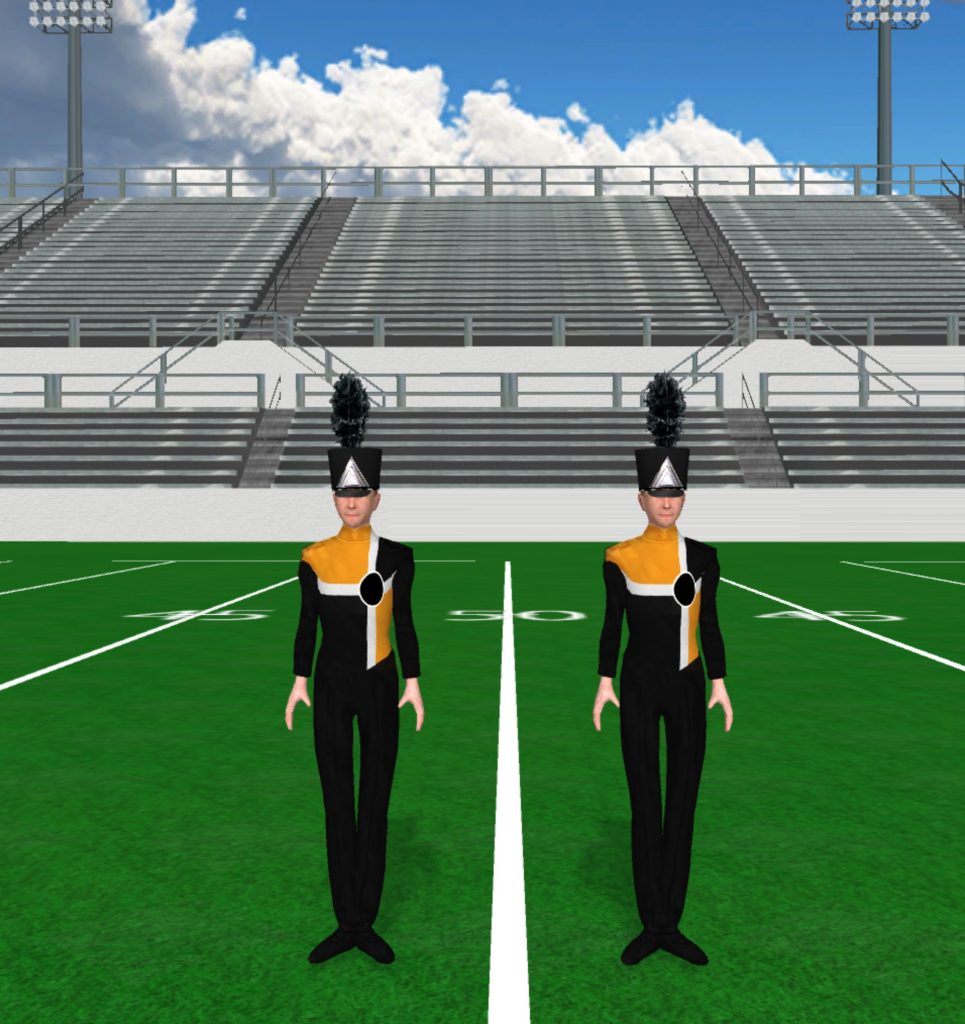
Bellevue High School KY 965x1024

Bellevue High School

Instructions Fabric files, such as uniforms and flag silks, are applied in the drill file’s Document Options. To load a fabric file: Click the image to download the fabric file. Save the fabric file to your computer. In Pyware 3D, go to File > Document Options > Real View Perspective (tab). Click the edit button

Bellevue High School Read More »
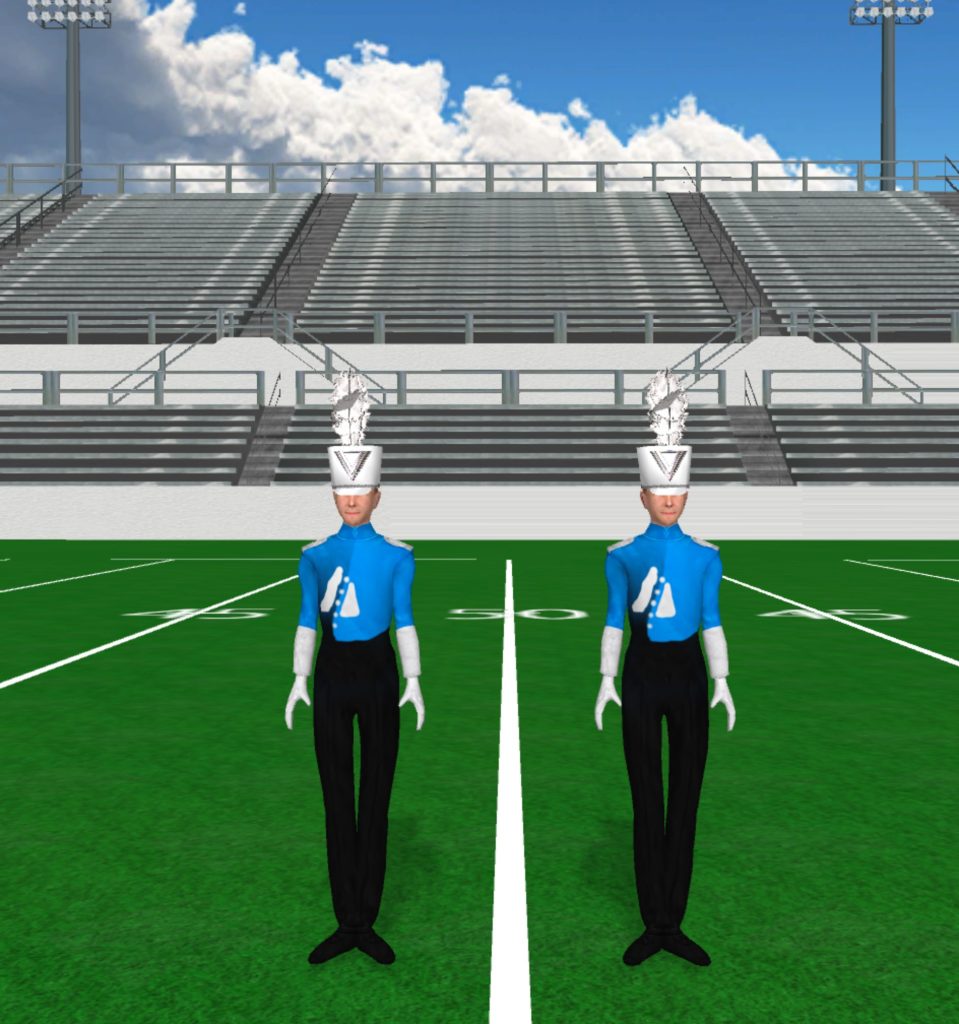
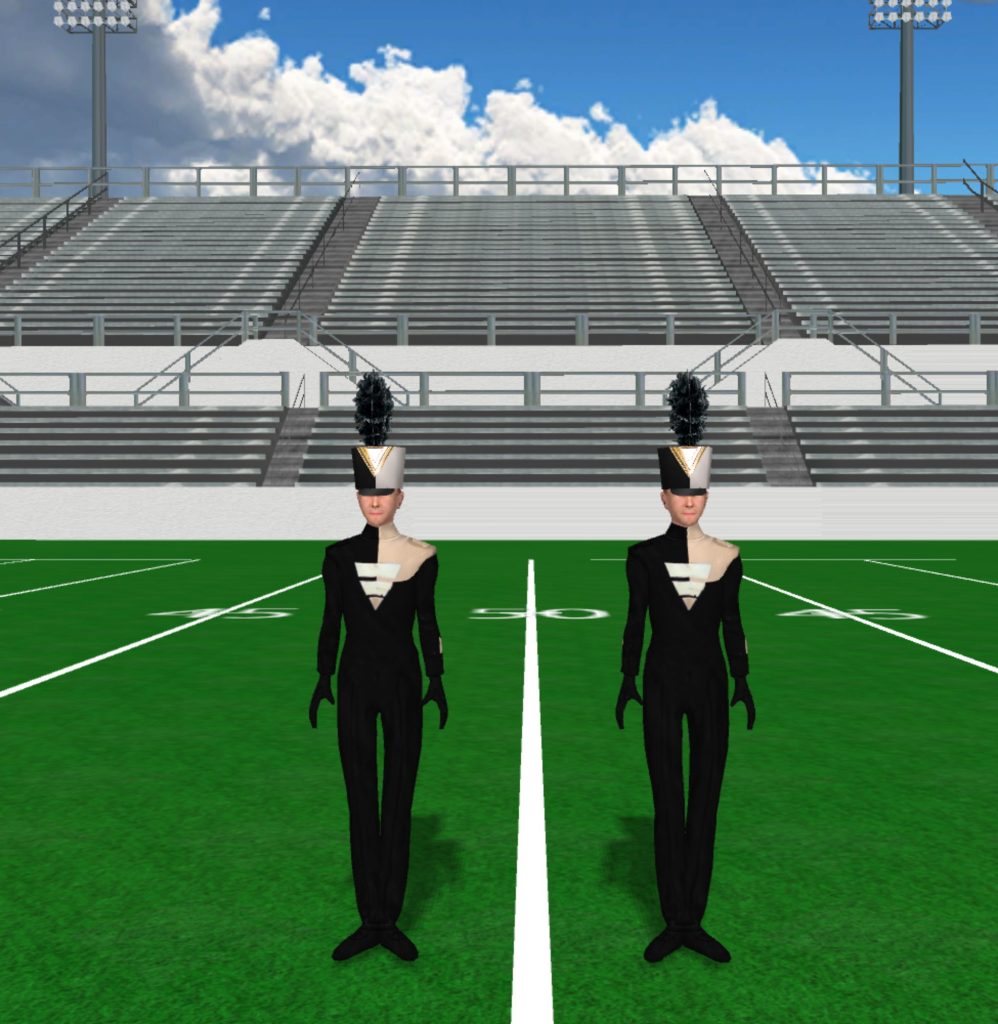
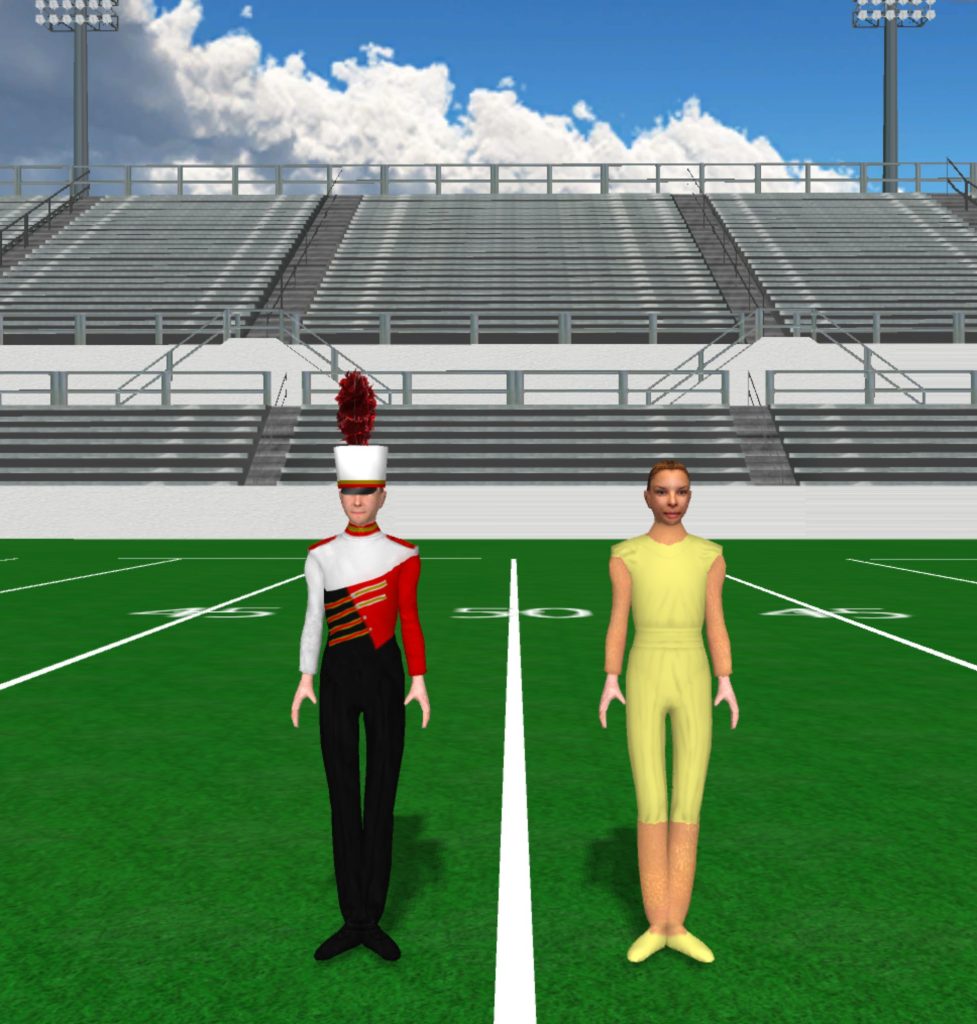
BHS 998x1024

BHS

Instructions Fabric files, such as uniforms and flag silks, are applied in the drill file’s Document Options. To load a fabric file: Click the image to download the fabric file. Save the fabric file to your computer. In Pyware 3D, go to File > Document Options > Real View Perspective (tab). Click the edit button

BHS Read More »

Bishop Fenwick High School 977x1024

BFHS

Instructions Fabric files, such as uniforms and flag silks, are applied in the drill file’s Document Options. To load a fabric file: Click the image to download the fabric file. Save the fabric file to your computer. In Pyware 3D, go to File > Document Options > Real View Perspective (tab). Click the edit button

BFHS Read More »

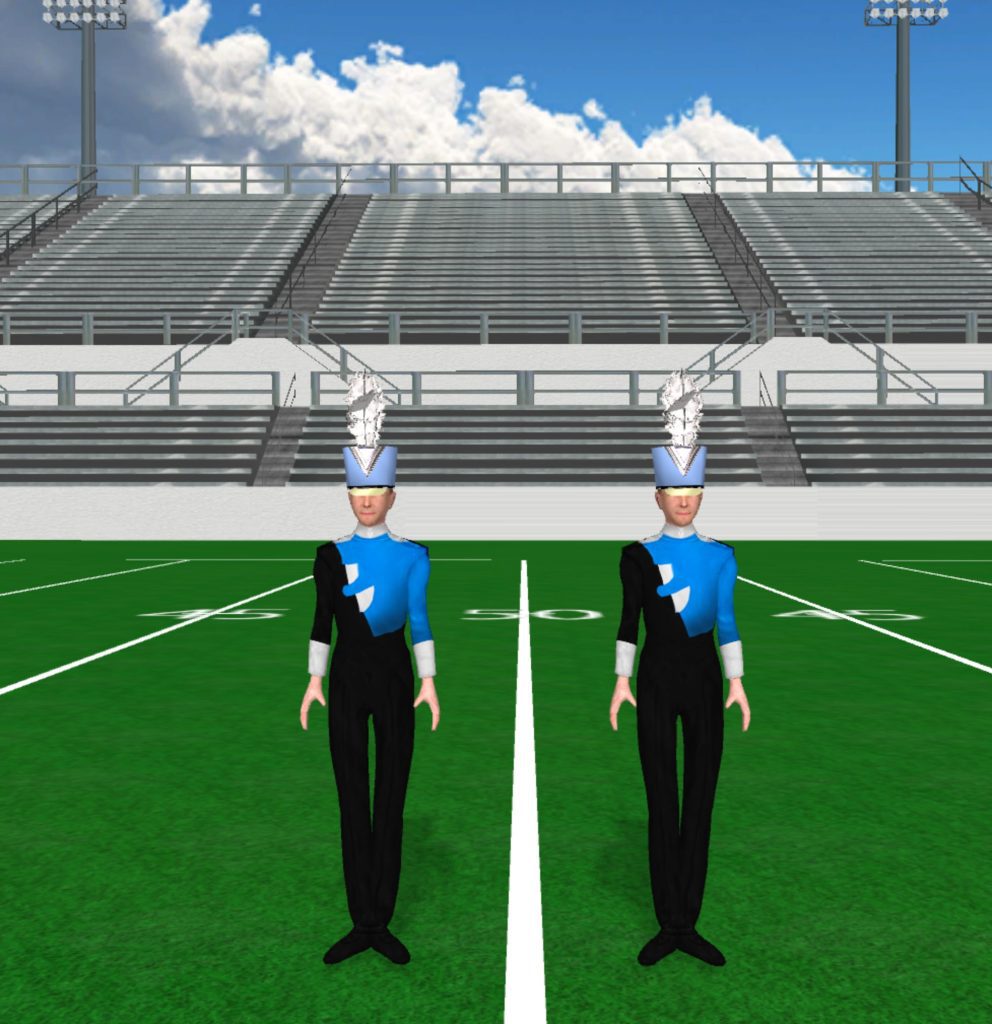
Black And Blue Uniform With Light Blue Shako 992x1024

Blue and Black

Instructions Fabric files, such as uniforms and flag silks, are applied in the drill file’s Document Options. To load a fabric file: Click the image to download the fabric file. Save the fabric file to your computer. In Pyware 3D, go to File > Document Options > Real View Perspective (tab). Click the edit button

Blue and Black Read More »

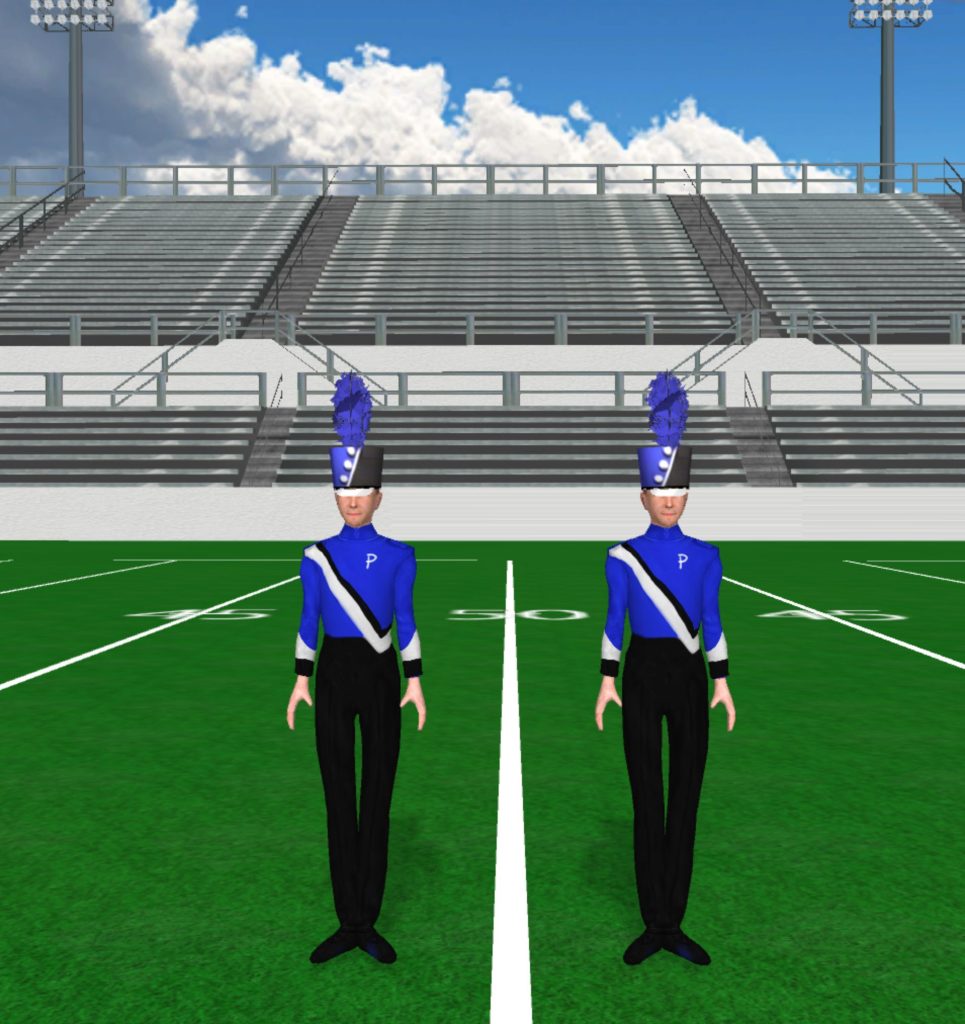
Black And Blue With White Sash 965x1024

Blue and Black

Instructions Fabric files, such as uniforms and flag silks, are applied in the drill file’s Document Options. To load a fabric file: Click the image to download the fabric file. Save the fabric file to your computer. In Pyware 3D, go to File > Document Options > Real View Perspective (tab). Click the edit button

Blue and Black Read More »

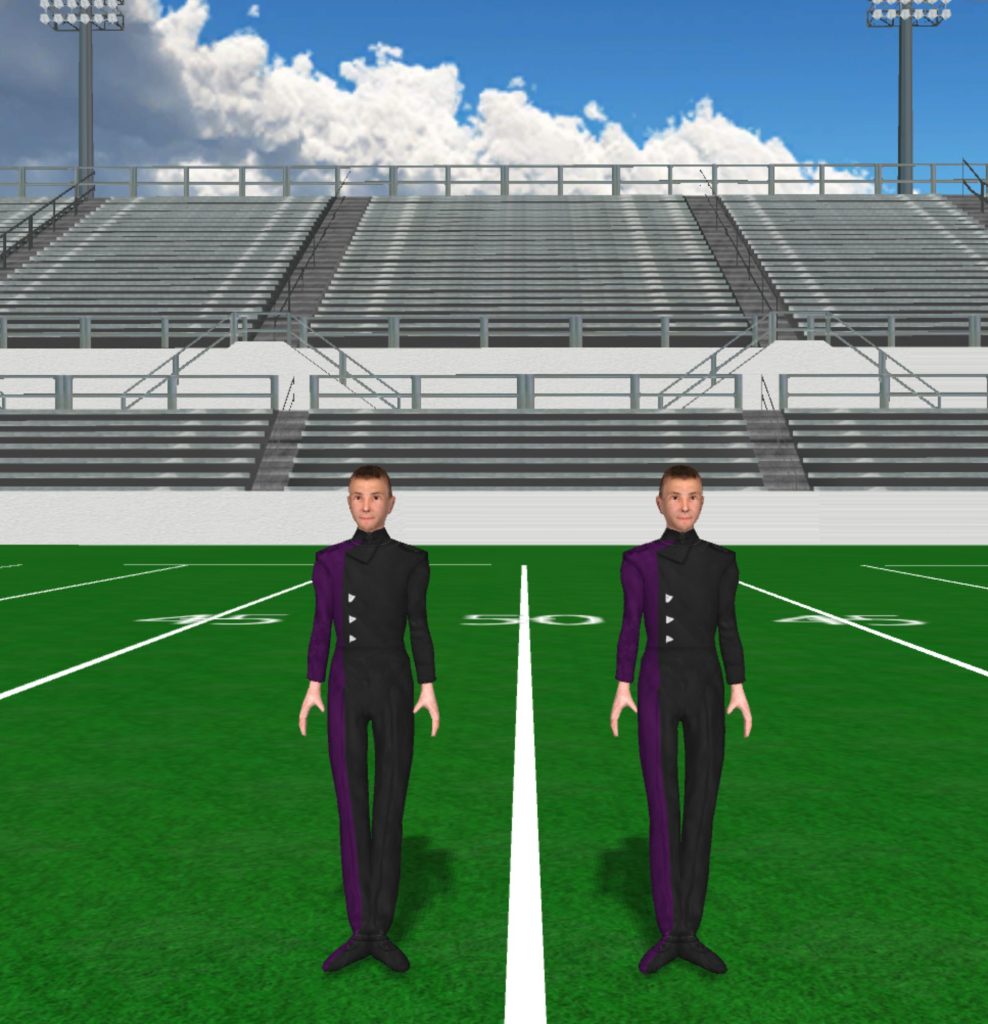
Black And Dark Purple Uniform 988x1024

Black and Purple

Instructions Fabric files, such as uniforms and flag silks, are applied in the drill file’s Document Options. To load a fabric file: Click the image to download the fabric file. Save the fabric file to your computer. In Pyware 3D, go to File > Document Options > Real View Perspective (tab). Click the edit button

Black and Purple Read More »

Black And Light Blue Uniform 959x1024

Black and Blue

Instructions Fabric files, such as uniforms and flag silks, are applied in the drill file’s Document Options. To load a fabric file: Click the image to download the fabric file. Save the fabric file to your computer. In Pyware 3D, go to File > Document Options > Real View Perspective (tab). Click the edit button

Black and Blue Read More »

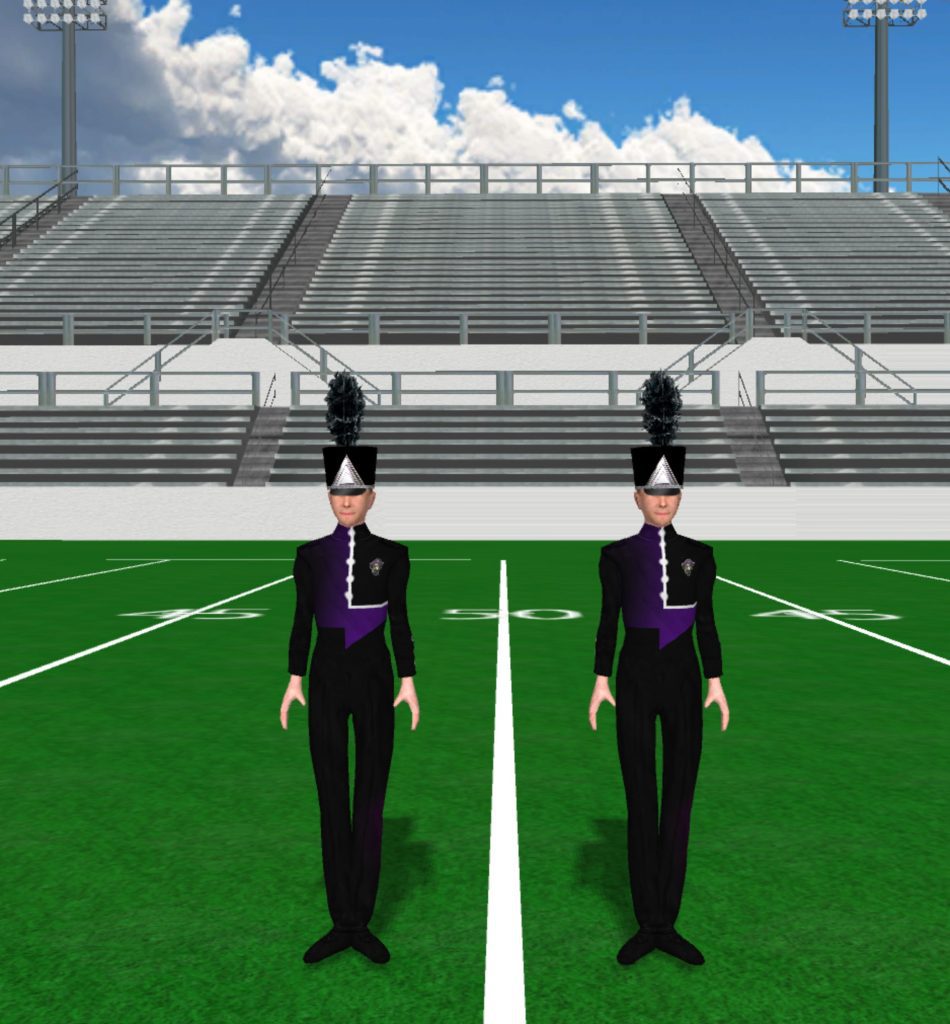
Black And Purple Pirate Uniform 950x1024

Marching Pirates

Instructions Fabric files, such as uniforms and flag silks, are applied in the drill file’s Document Options. To load a fabric file: Click the image to download the fabric file. Save the fabric file to your computer. In Pyware 3D, go to File > Document Options > Real View Perspective (tab). Click the edit button

Marching Pirates Read More »

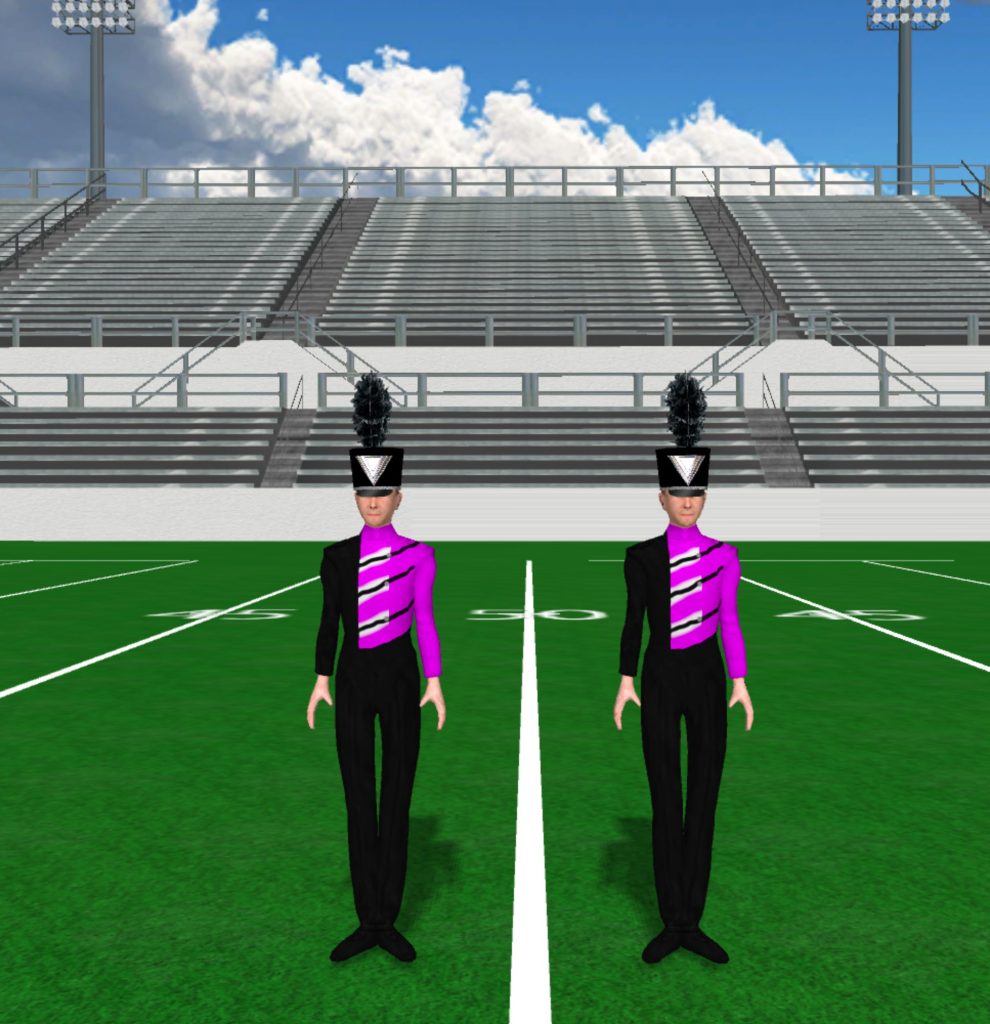
Black And Purple Uniform 990x1024

Black and Pink

Instructions Fabric files, such as uniforms and flag silks, are applied in the drill file’s Document Options. To load a fabric file: Click the image to download the fabric file. Save the fabric file to your computer. In Pyware 3D, go to File > Document Options > Real View Perspective (tab). Click the edit button

Black and Pink Read More »