Black

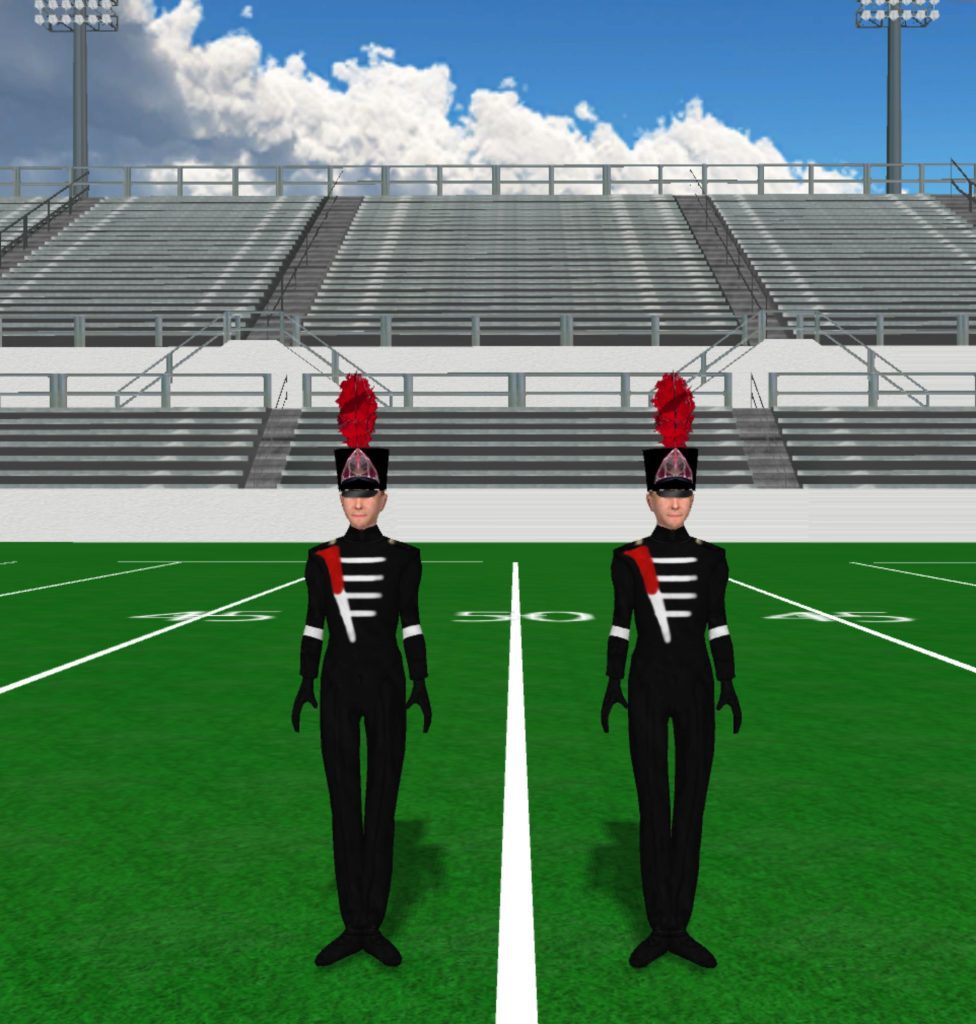
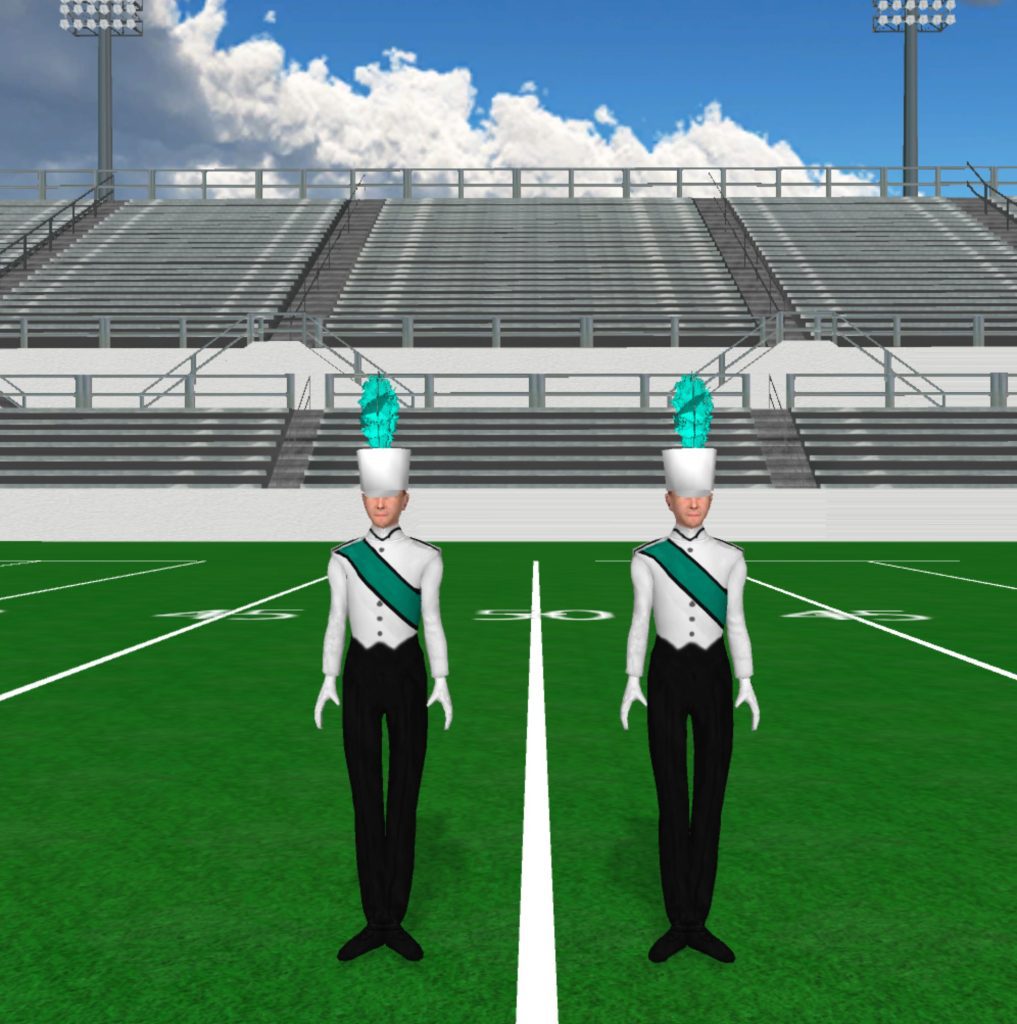
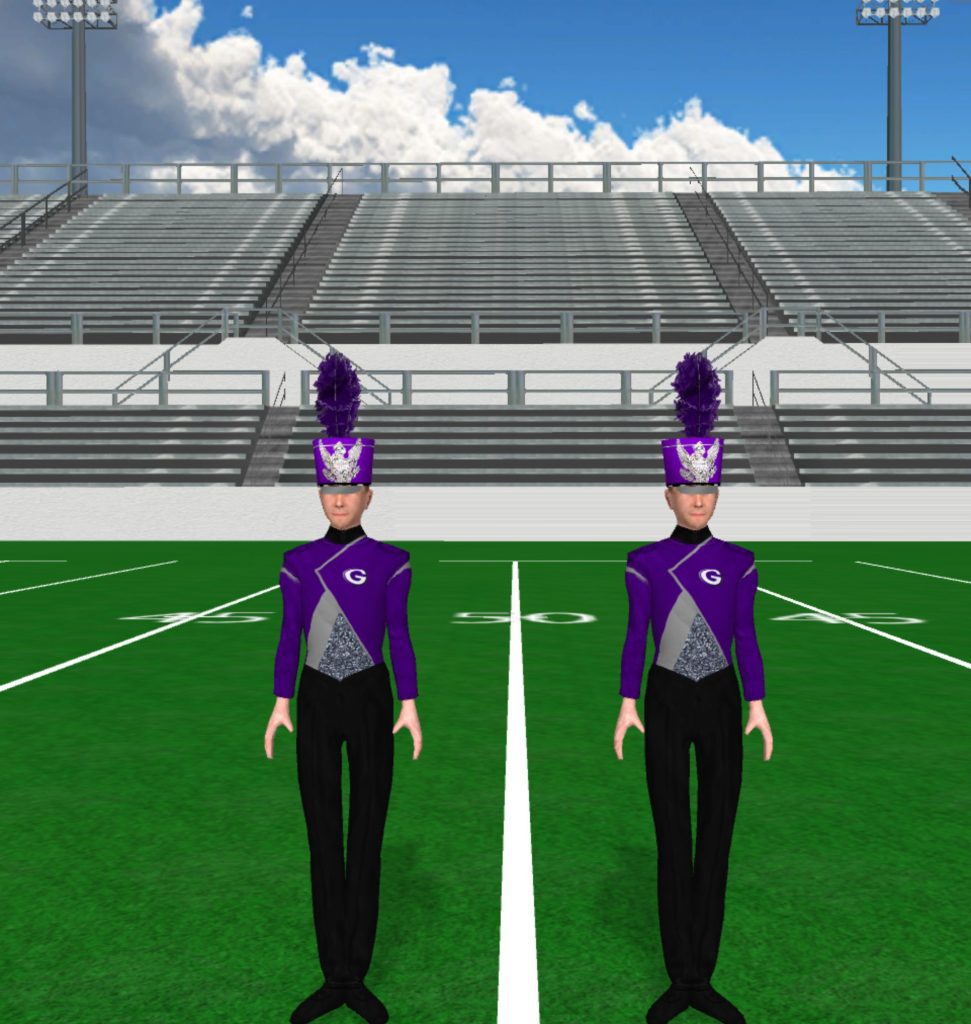
Gilmer High School 971x1024

Gilmer High School

Instructions Fabric files, such as uniforms and flag silks, are applied in the drill file’s Document Options. To load a fabric file: Click the image to download the fabric file. Save the fabric file to your computer. In Pyware 3D, go to File > Document Options > Real View Perspective (tab). Click the edit button […]

Gilmer High School Read More »
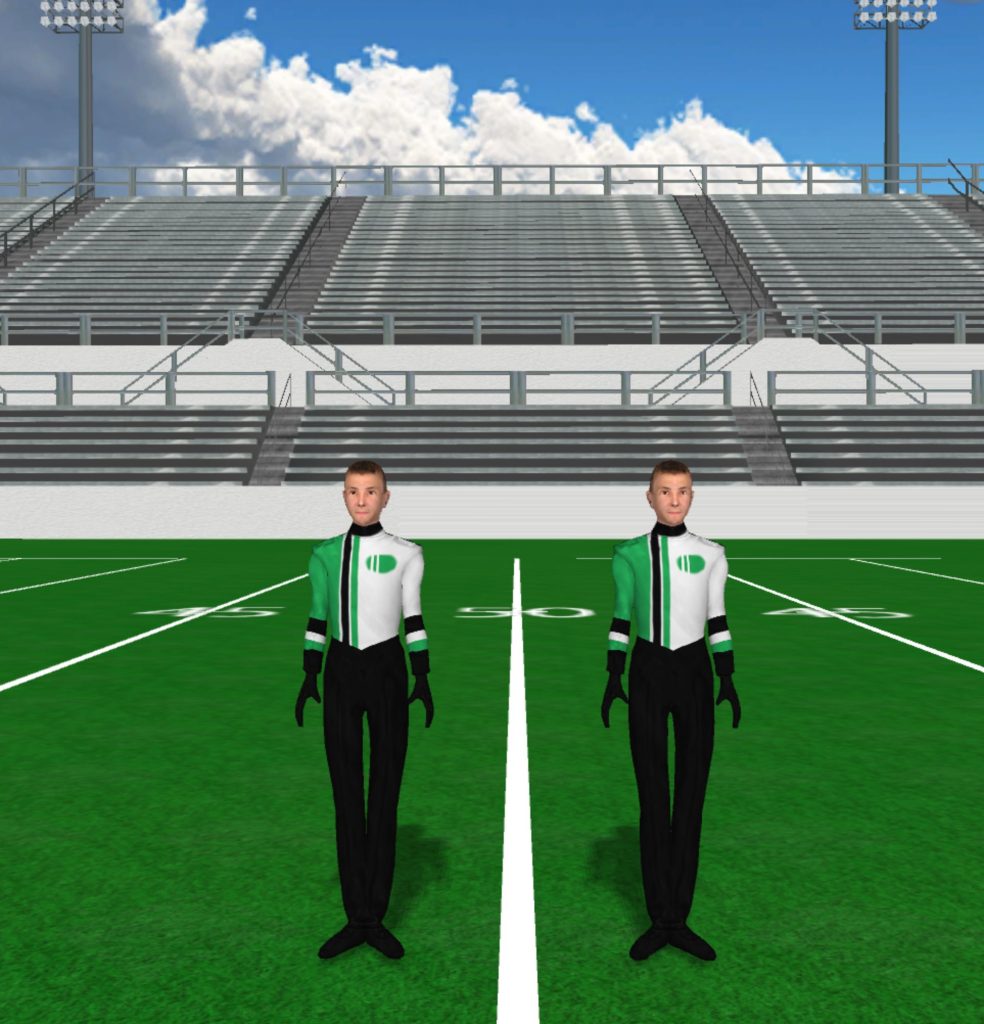
Govies 984x1024

Govies

Instructions Fabric files, such as uniforms and flag silks, are applied in the drill file’s Document Options. To load a fabric file: Click the image to download the fabric file. Save the fabric file to your computer. In Pyware 3D, go to File > Document Options > Real View Perspective (tab). Click the edit button

Govies Read More »

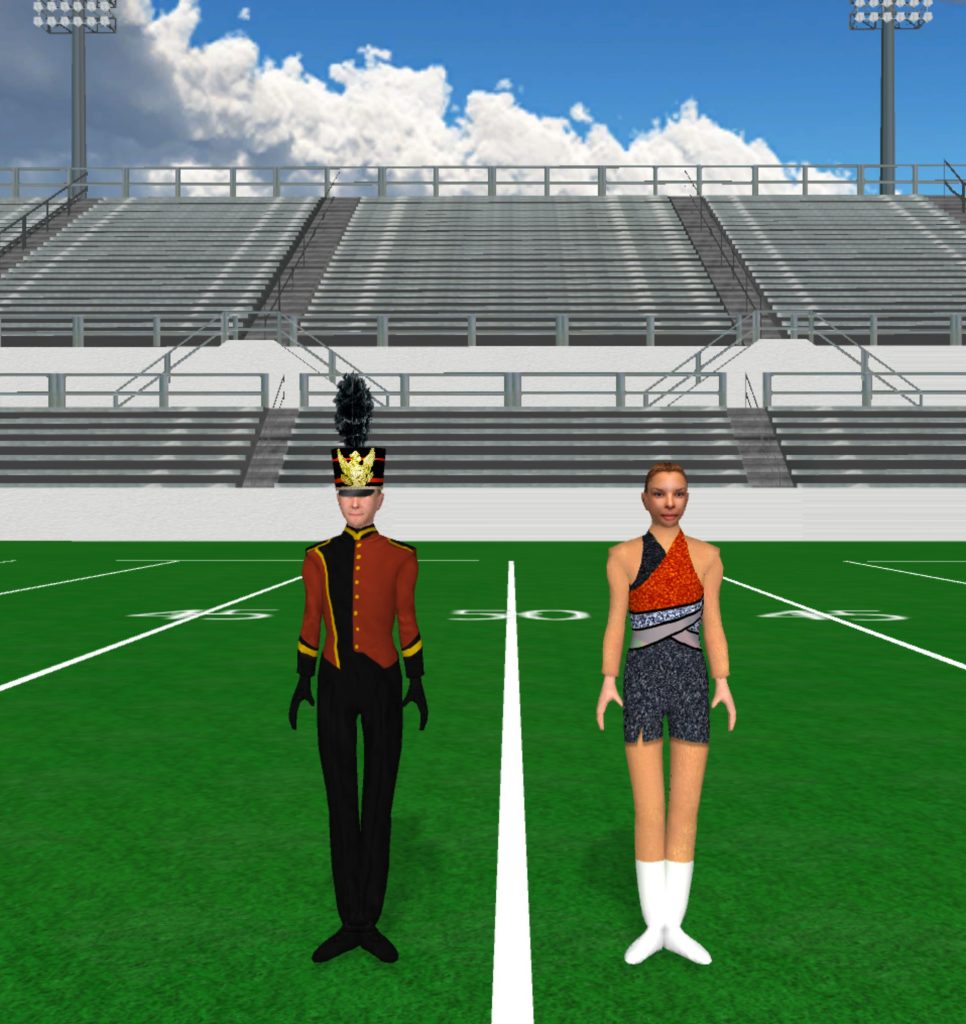
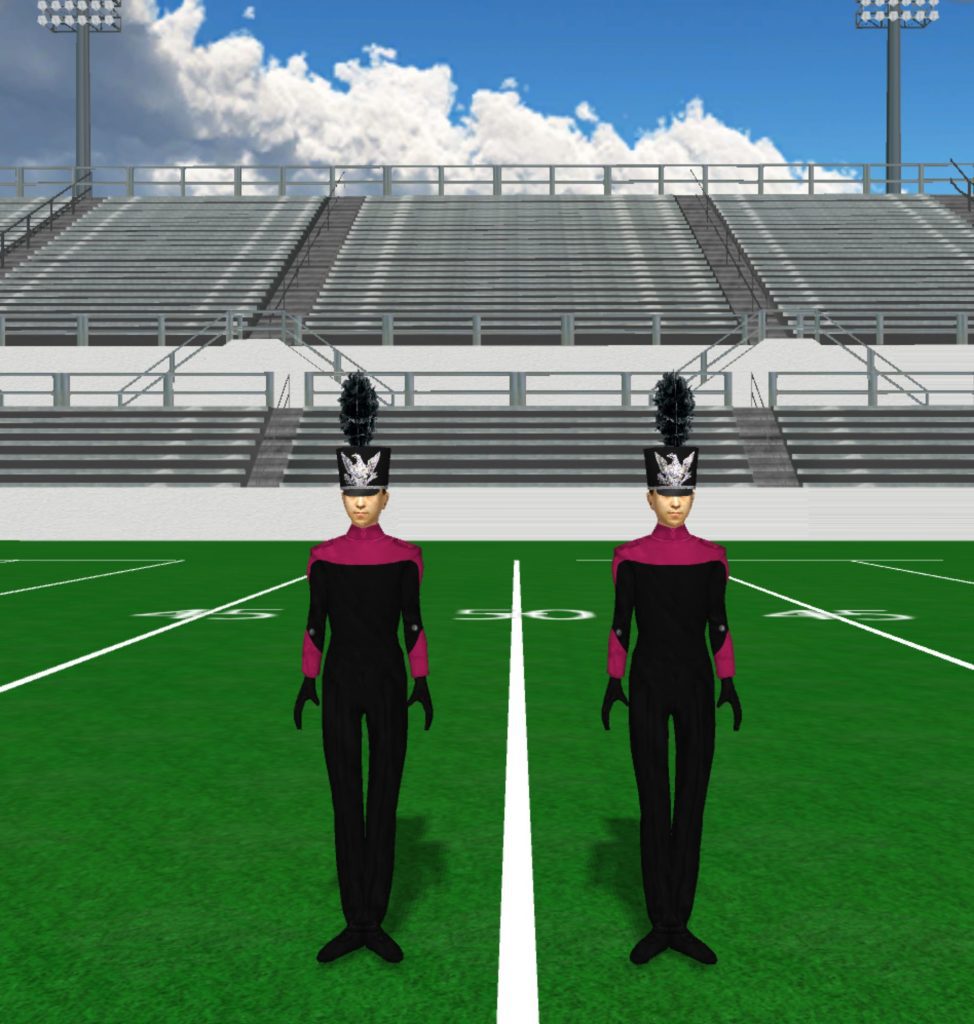
GRC 976x1024

GRC

Instructions Fabric files, such as uniforms and flag silks, are applied in the drill file’s Document Options. To load a fabric file: Click the image to download the fabric file. Save the fabric file to your computer. In Pyware 3D, go to File > Document Options > Real View Perspective (tab). Click the edit button

GRC Read More »

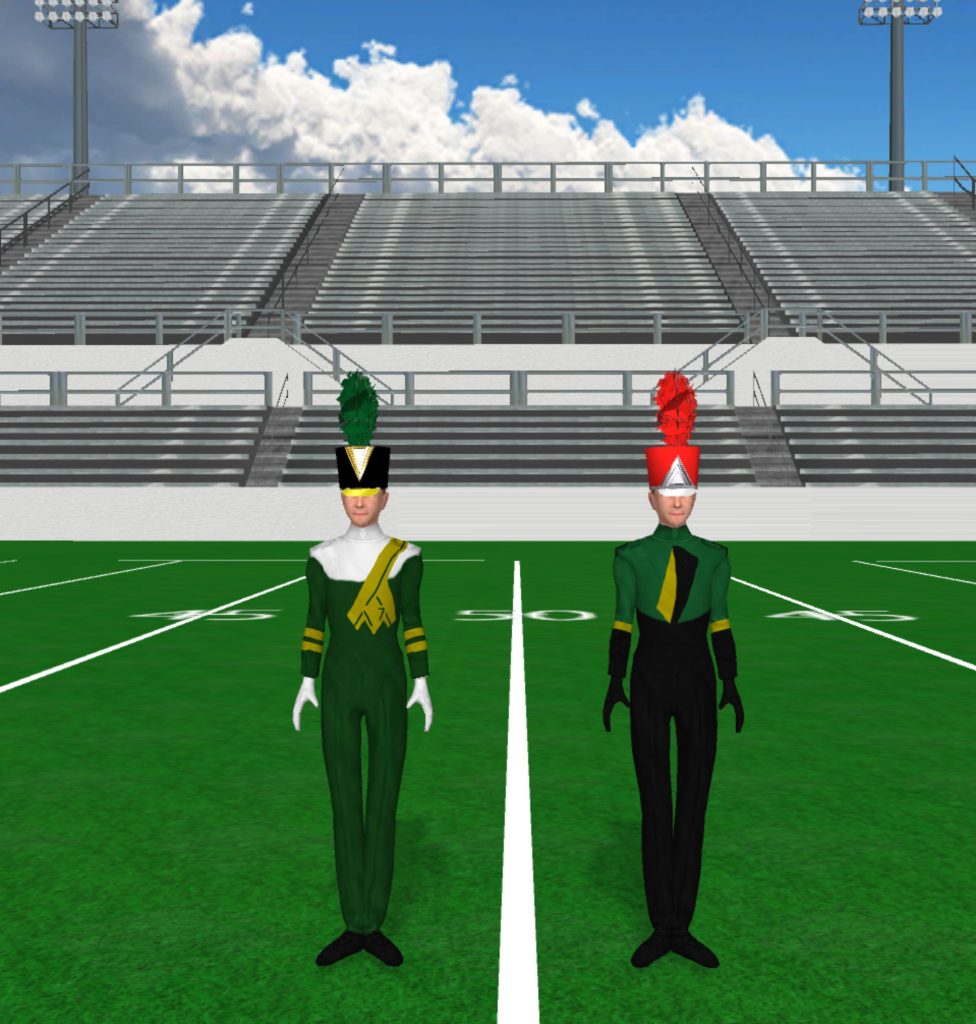
Green Yellow White With Green Plume Black And Yellow With Red Plume 976x1024

Green and Yellow

Instructions Fabric files, such as uniforms and flag silks, are applied in the drill file’s Document Options. To load a fabric file: Click the image to download the fabric file. Save the fabric file to your computer. In Pyware 3D, go to File > Document Options > Real View Perspective (tab). Click the edit button

Green and Yellow Read More »

Hart County High School 966x1024

Hart County High School

Instructions Fabric files, such as uniforms and flag silks, are applied in the drill file’s Document Options. To load a fabric file: Click the image to download the fabric file. Save the fabric file to your computer. In Pyware 3D, go to File > Document Options > Real View Perspective (tab). Click the edit button

Hart County High School Read More »

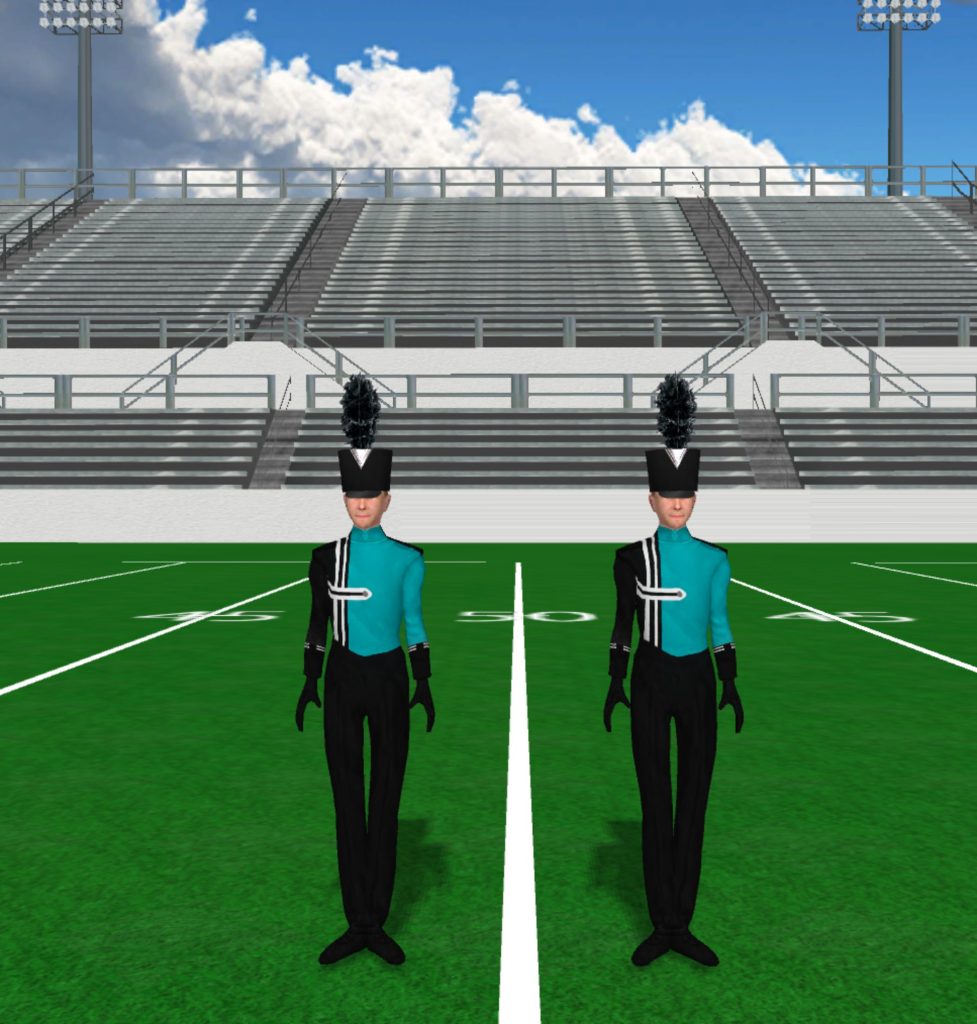
Hickory High School 977x1024

Hickory High School

Instructions Fabric files, such as uniforms and flag silks, are applied in the drill file’s Document Options. To load a fabric file: Click the image to download the fabric file. Save the fabric file to your computer. In Pyware 3D, go to File > Document Options > Real View Perspective (tab). Click the edit button

Hickory High School Read More »

Highland High School 1017x1024

Highland High School

Instructions Fabric files, such as uniforms and flag silks, are applied in the drill file’s Document Options. To load a fabric file: Click the image to download the fabric file. Save the fabric file to your computer. In Pyware 3D, go to File > Document Options > Real View Perspective (tab). Click the edit button

Highland High School Read More »

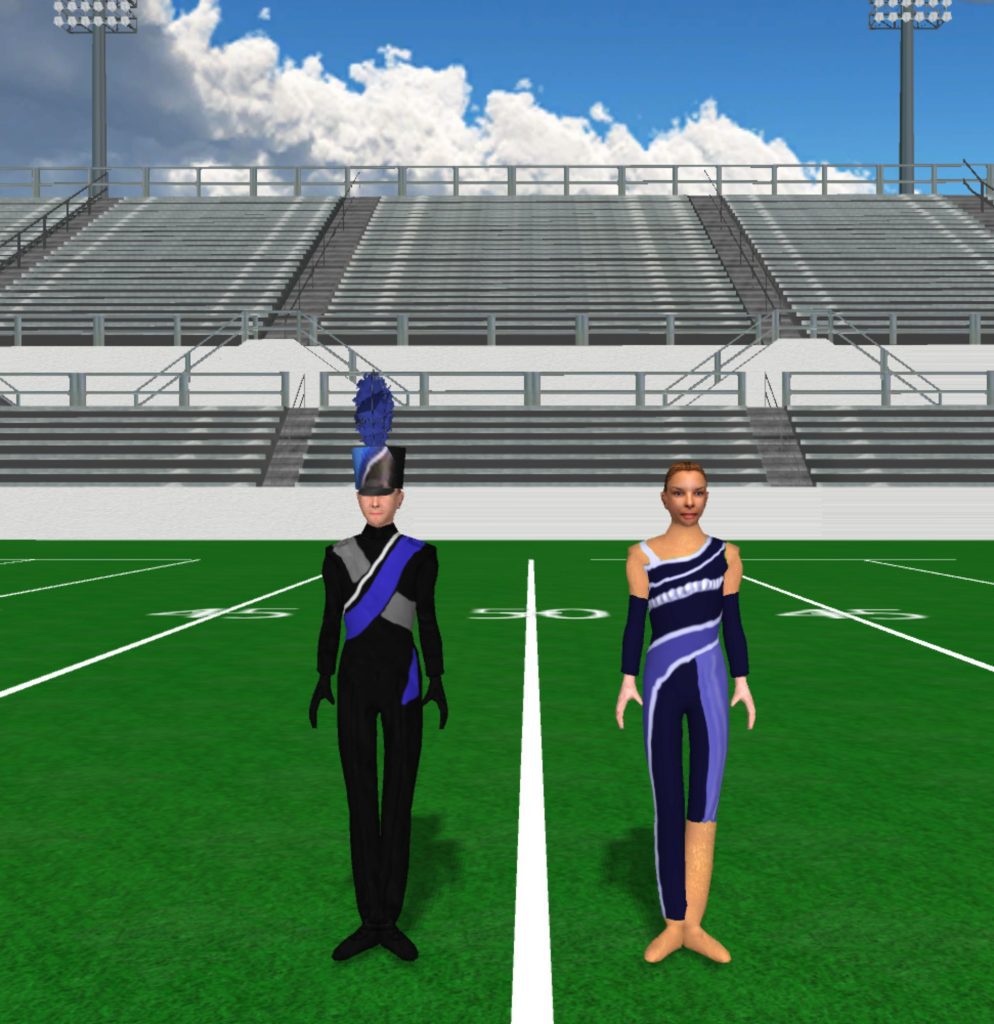
Hollister High School 994x1024

Hollister High School

Instructions Fabric files, such as uniforms and flag silks, are applied in the drill file’s Document Options. To load a fabric file: Click the image to download the fabric file. Save the fabric file to your computer. In Pyware 3D, go to File > Document Options > Real View Perspective (tab). Click the edit button

Hollister High School Read More »

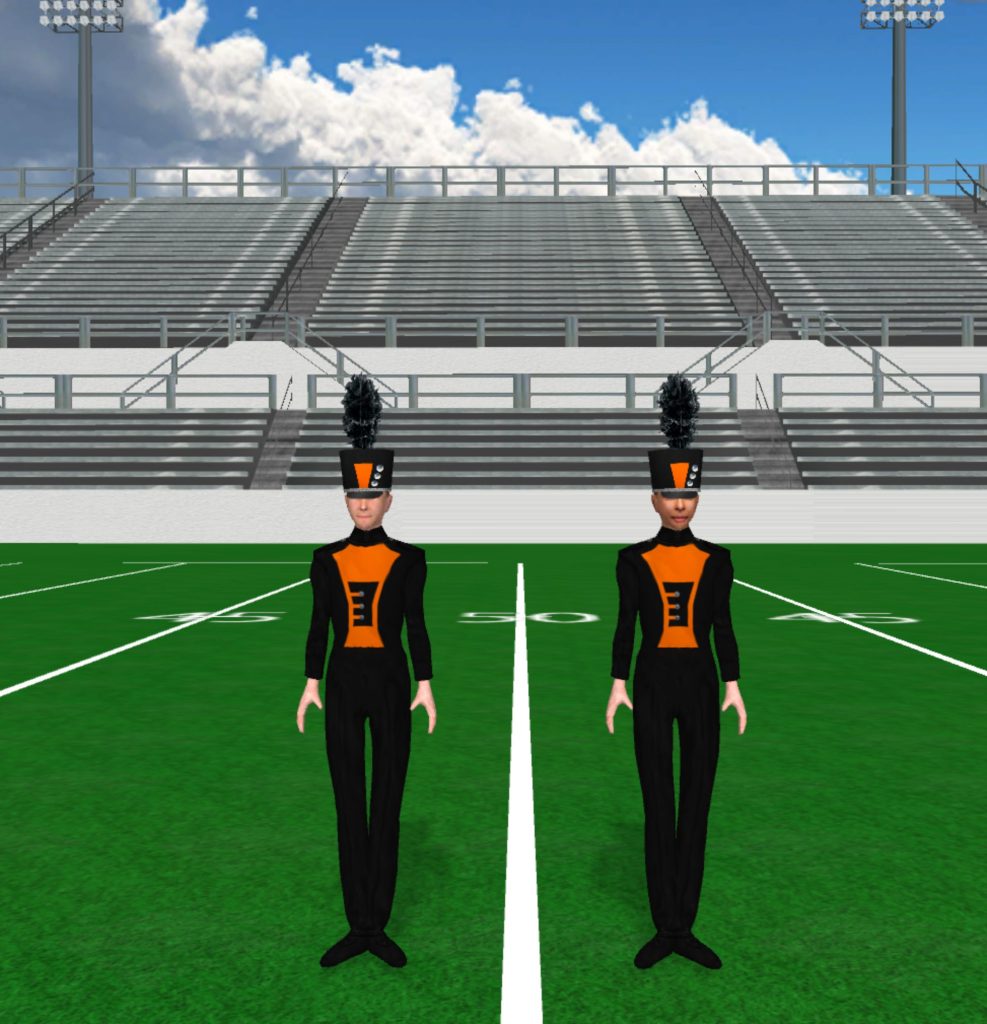
Independence High School 987x1024

Independence High School

Instructions Fabric files, such as uniforms and flag silks, are applied in the drill file’s Document Options. To load a fabric file: Click the image to download the fabric file. Save the fabric file to your computer. In Pyware 3D, go to File > Document Options > Real View Perspective (tab). Click the edit button

Independence High School Read More »